
Let’s code
Explore fixes, CSS tricks and coding tips, to implement on your Squarespace projects.

Keeping centered navigation links in one single line, in Squarespace (7.1)
Struggling to keep your 7.1 navigation links in one single line? Not anymore! With this week’s CSS trick you’ll be able to fix that little issue in a hearbeat.

How to center-align the last two items of a Portfolio page in Squarespace (7.1)
For this week’s CSS trick, we’ll be using the same grid-altering method from a previous tutorial but with a small modification to the way we target those last two slides so that, if you or your client have a ton of items, you don’t have to count them all.

How to create “Read More” dropdowns inside Auto Layouts (7.1)
Have you ever wanted to show/hide information inside the description area of Auto Layouts in 7.1 on click? If yes, you won’t want to miss out on this tutorial!
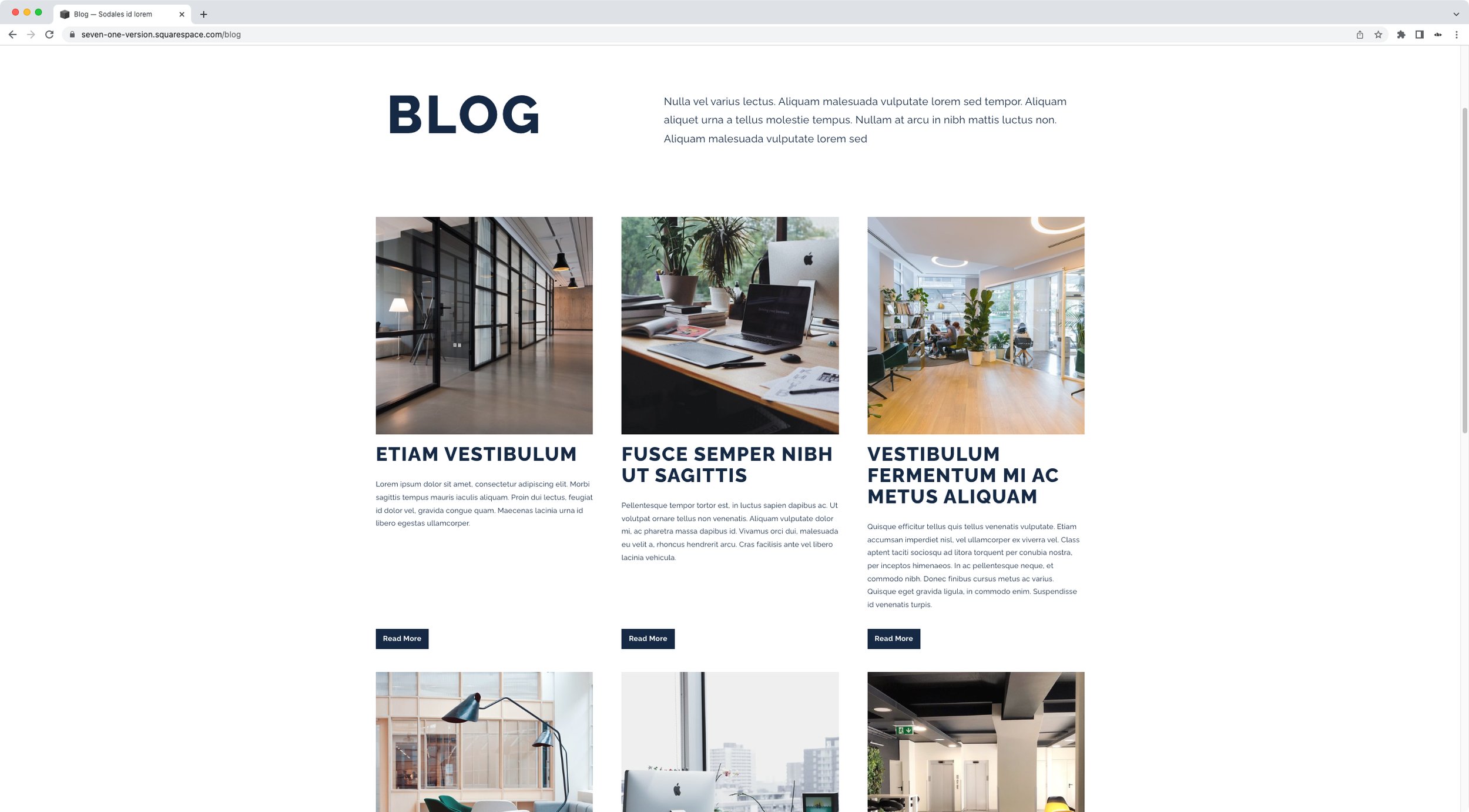
Styling and bottom-aligning ‘Read More’ links for the Basic Grid Blog in Squarespace (7.1)
Want to style the basic grid blog Read More links in Squarespace 7.1? Then today’s CSS trick is the one you’ve been looking for! Check it out.
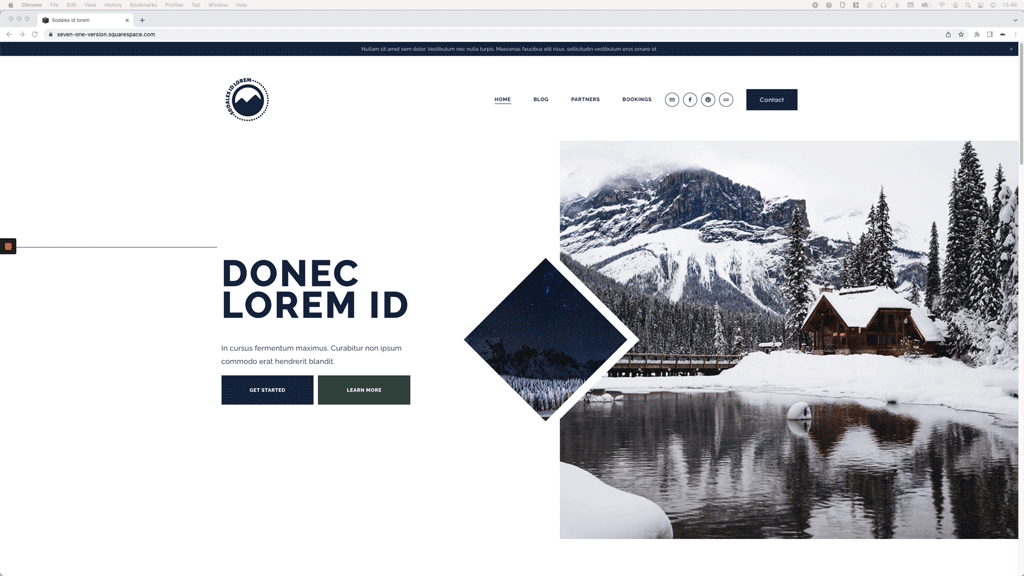
How to modify the space between the header social icons in Squarespace (7.1)
Looking to modify the spacing between social icons in Squarespace 7.1’s header? Then take a look at today’s CSS trick!
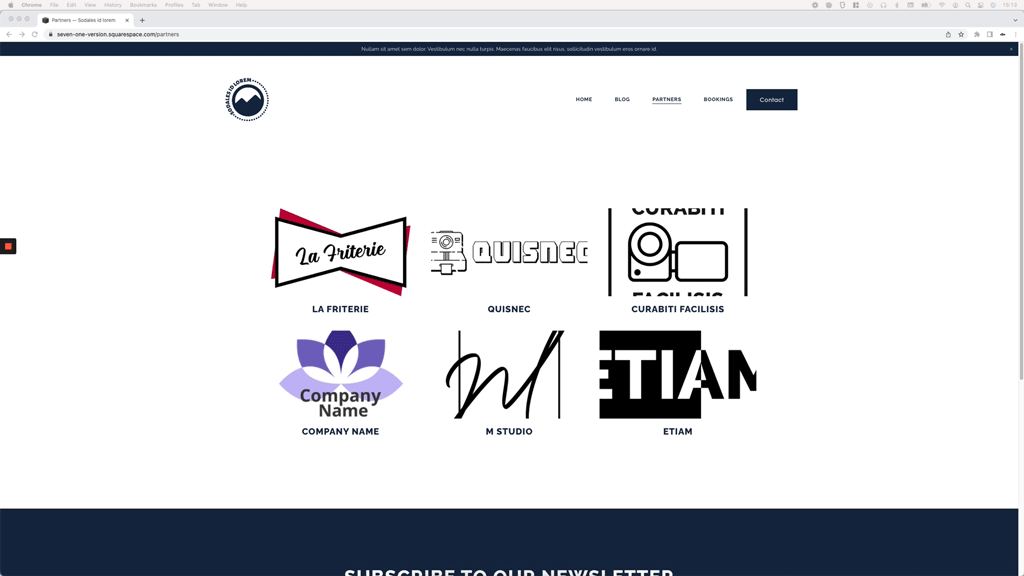
Stopping portfolio page thumbnails from getting cropped in Squarespace (7.1)
Not your everyday issue, but an annoying one when it comes up unexpectedly when working with Portfolio pages in Squarespace 7.1. Check out how you can fix it in less than 2 mins!
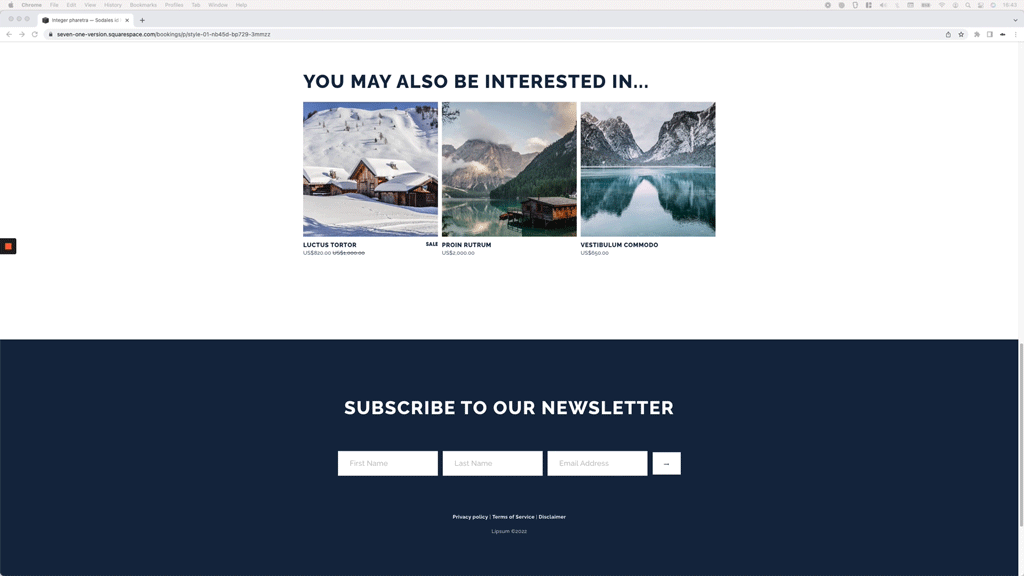
Styling the Related Products section: number of items per row, title and price font
Take a look at how you can customize the Related Products section of Shop pages in Squarespace, with a bit of CSS.

Creating an animated loading screen for Squarespace
Let’s tackle how to build a loading screen or splash page for Squarespace sites that’s totally animated!

Adding custom icons to the Accordion Block while keeping the arrow or plus sign
Want to know how to add a custom icon to your accordion items while also keeping the chevron arrow or plus sign indicator? Then this tutorial is for you!
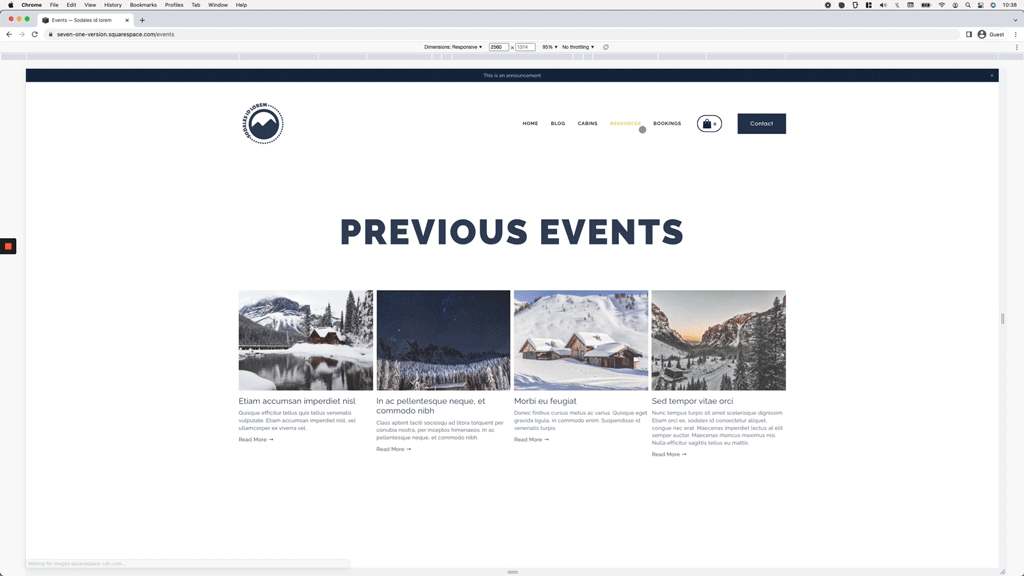
Styling the active nav links in Squarespace (7.1)
In today’s tutorial, we’ll be getting rid of the underline of active links in Squarespace 7.1, and setting our own styles with a little bit of CSS!

Adding an accordion block to the details section of Product Pages in Squarespace (Simple & Full layout)
Let’s take a look at how we can add an accordion block to the details section of product pages in Squarespace, with less code than you think!

Change the number of thumbnails per row on mobile for Portfolio pages set to Grid layout (Simple & Overlay) (7.1)
In this tutorial, I'll be showing you how you can easily control how many thumbnails/images/slides per row show up in your 7.1 Portfolio pages on mobile, when working with the Grid: Simple or Grid: Overlay layout
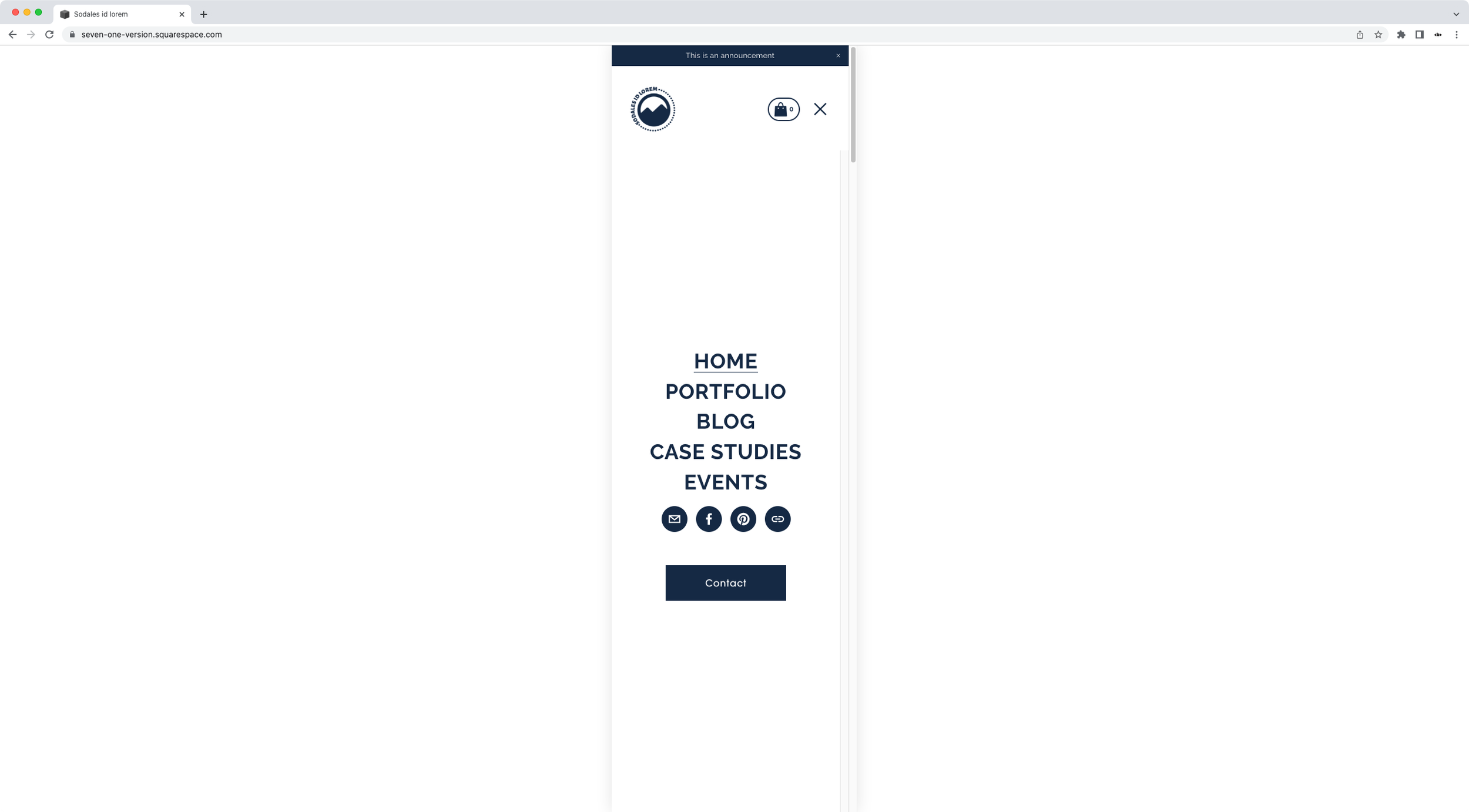
Moving the mobile menu button in Squarespace closer to the links (7.1)
In today’s tutorial, we’ll be looking into how we can bring the button inside the mobile nav of Squarespace 7.1, closer to the links!

Customizing the style and text of Read More links inside Summary Blocks
In today’s video, you’ll learn how to replace the text of Read More links for Summary Blocks and how to turn them into buttons!

How to reduce the height of the Gallery Slideshow Reel on mobile in Squarespace (7.1)
Gallery Reels can be a pretty easy way to create an immersive image carousel in your client's site, but on mobile they may show up taller than what you have in mind. Luckily, today, you’ll find out how you can quickly change that!

Create a typewriter effect for headings in Squarespace
In today’s tutorial, we’ll be tackling how to create a typewriting effect for headings in Squarespace, in just a few minutes!
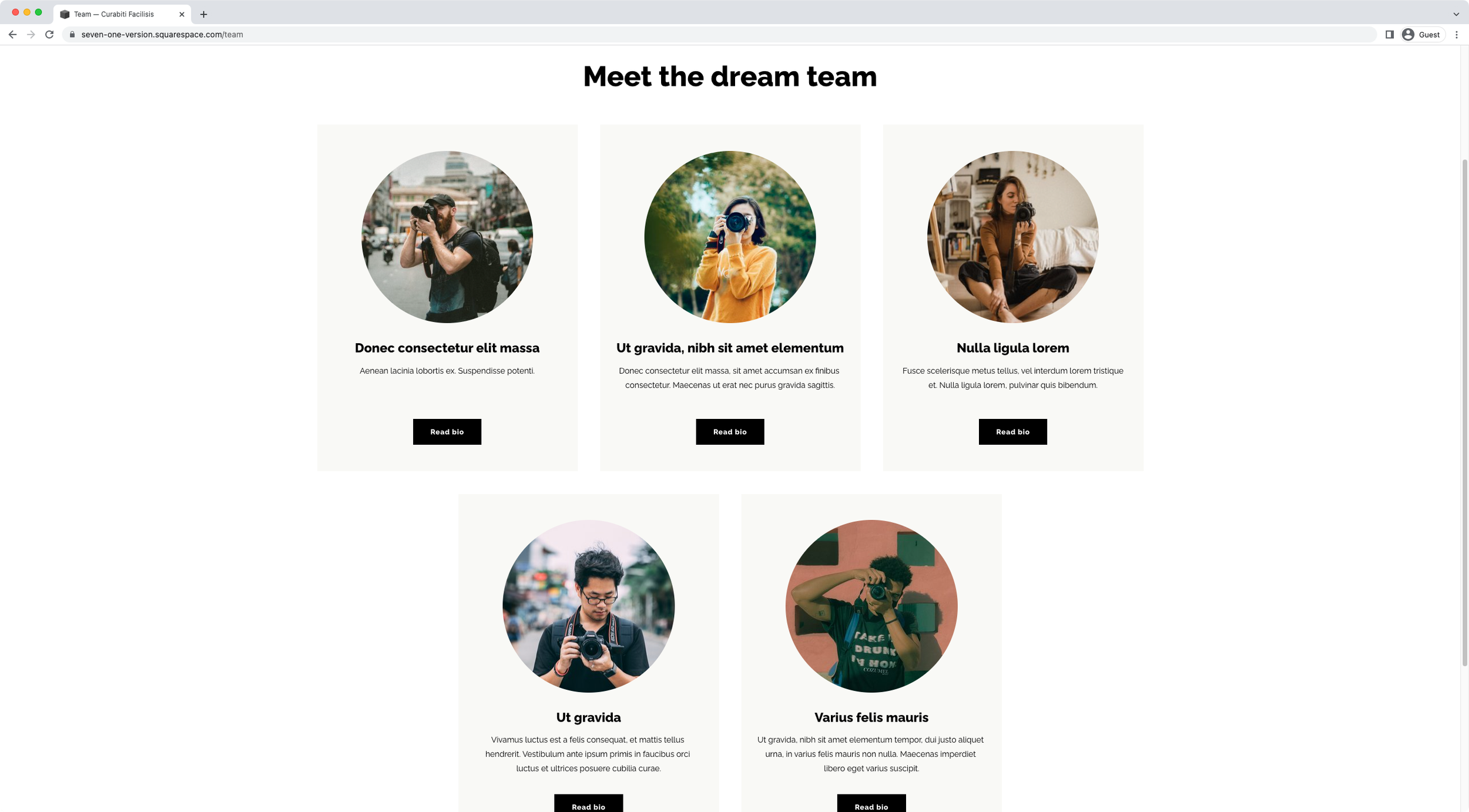
How to center-align the last two slides of an Auto List in Squarespace (7.1)
Want to center-align those last two slides inside your client’s Auto List section? Then take a look at this easy CSS trick to make it happen!
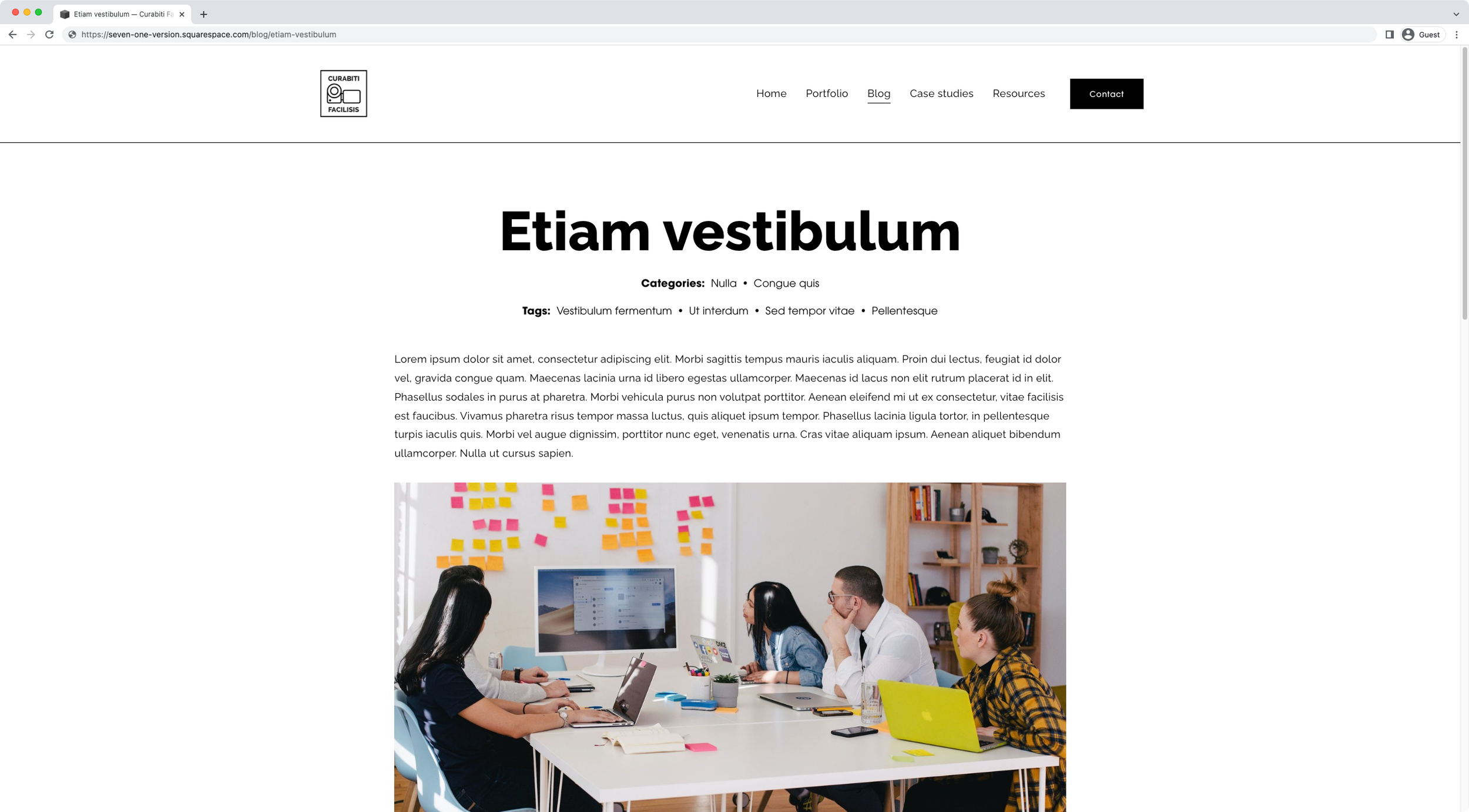
How to move the tags under categories on blog pages in Squarespace (7.1)
Are you wanting to move the tags inside blog pages in 7.1 to the top of the content and under the categories? Great! This tutorial will show you exactly how to make that happen with a CSS trick.
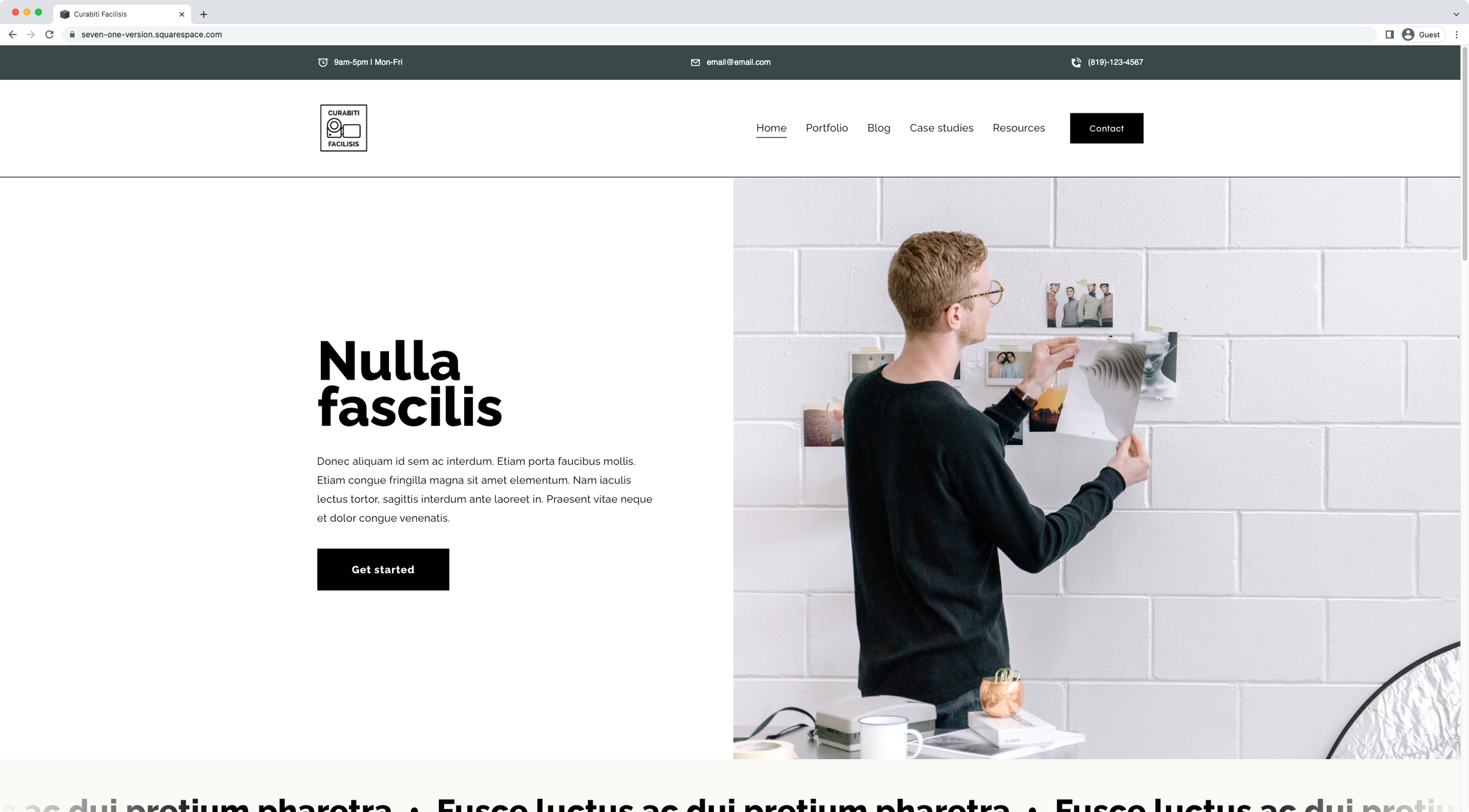
How to create a business info bar above the header in Squarespace
In today’s tutorial, we’ll be creating a business info bar that carries the hours, email and phone number of a hypothetical company with the help of HTML and our friend, CSS.

Looping rotating words effect for headings in Squarespace
Want to create a looping rotating effect for a heading on your client project? Then take a look at how you can easily achieve that with an awesome plugin!