
Blog
Explore fixes, CSS tricks and coding tips, to implement on your Squarespace projects.
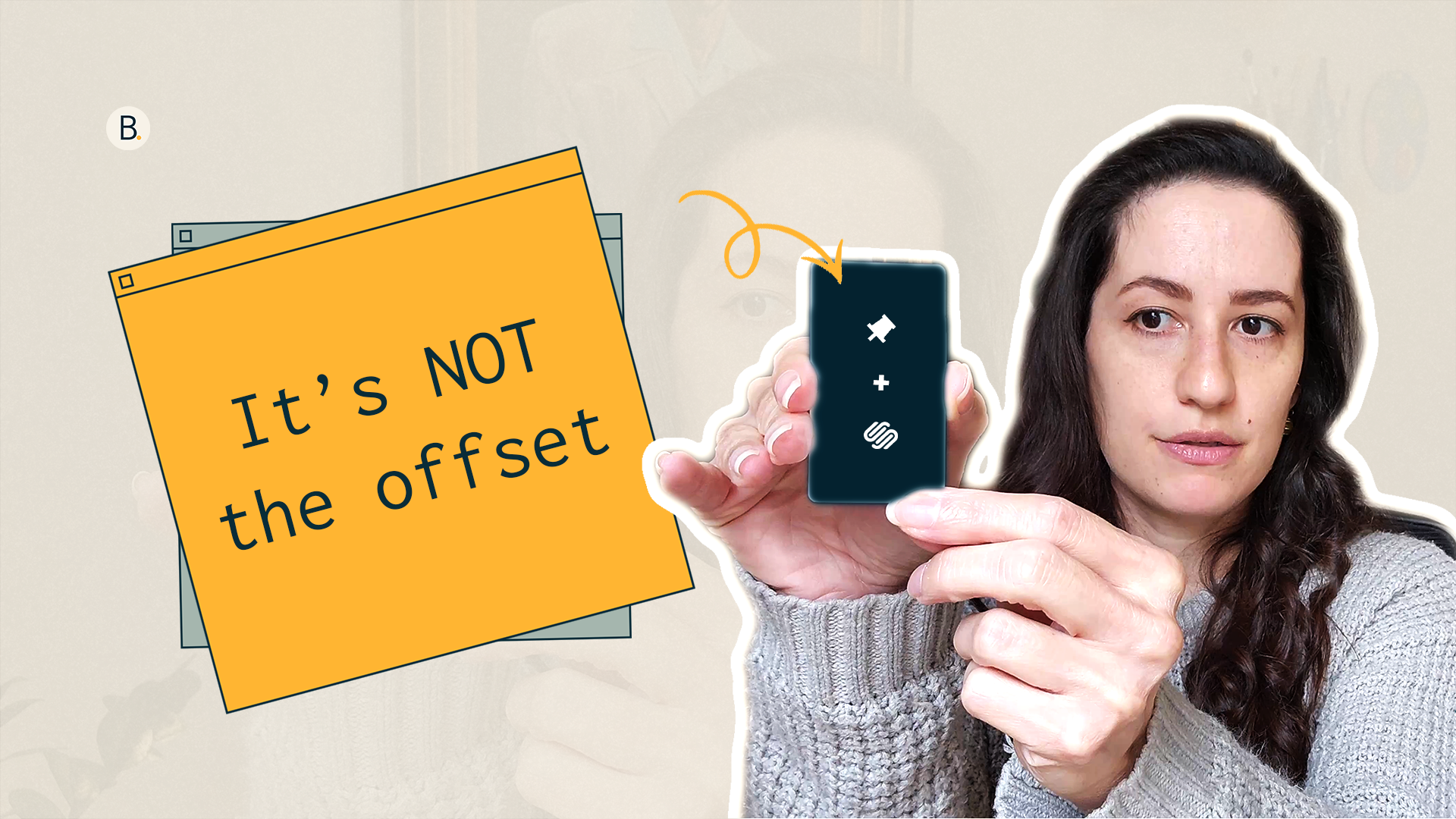
Why Your Pinned Block Cards Aren't Working Right and How To Fix Them
Today, I want to share with you the 3 most common issues that come up when using Pinned Blocks in Squarespace 7.1. Especially when your layout is meant to stack neatly before leaving the screen and it just... doesn't.
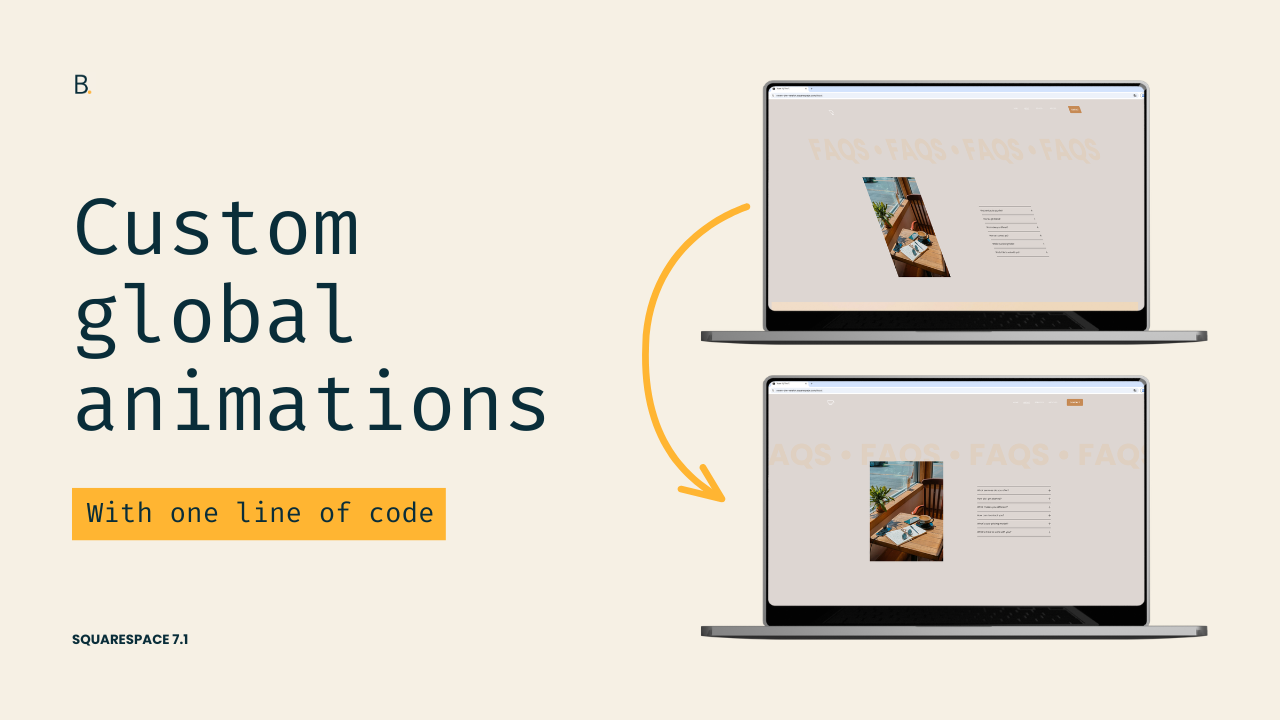
Create a custom global animation in Squarespace 7.1
Want more control over Squarespace's built-in animations? In this tutorial, you'll learn how to create your own custom global animation effects in Squarespace 7.1 by modifying ONE line of code of the initial animation state.
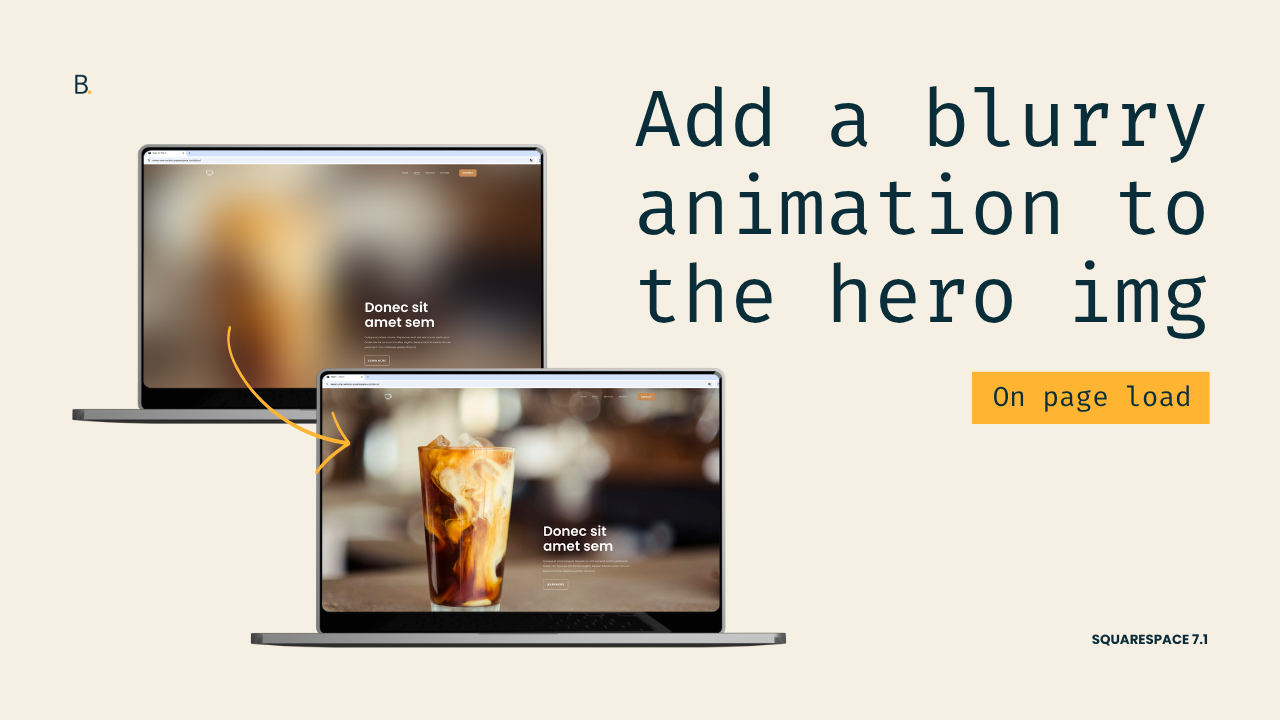
Easy blurry animation for hero sections in Squarespace 7.1
Want to add a quick background hero animation to your Squarespace project? In this tutorial, you'll learn how to create a blur-to-focus image effect using only CSS in Squarespace 7.1. The method shown is just a starting point, so you’ll be able to adapt it to create a bolder or more minimal look!
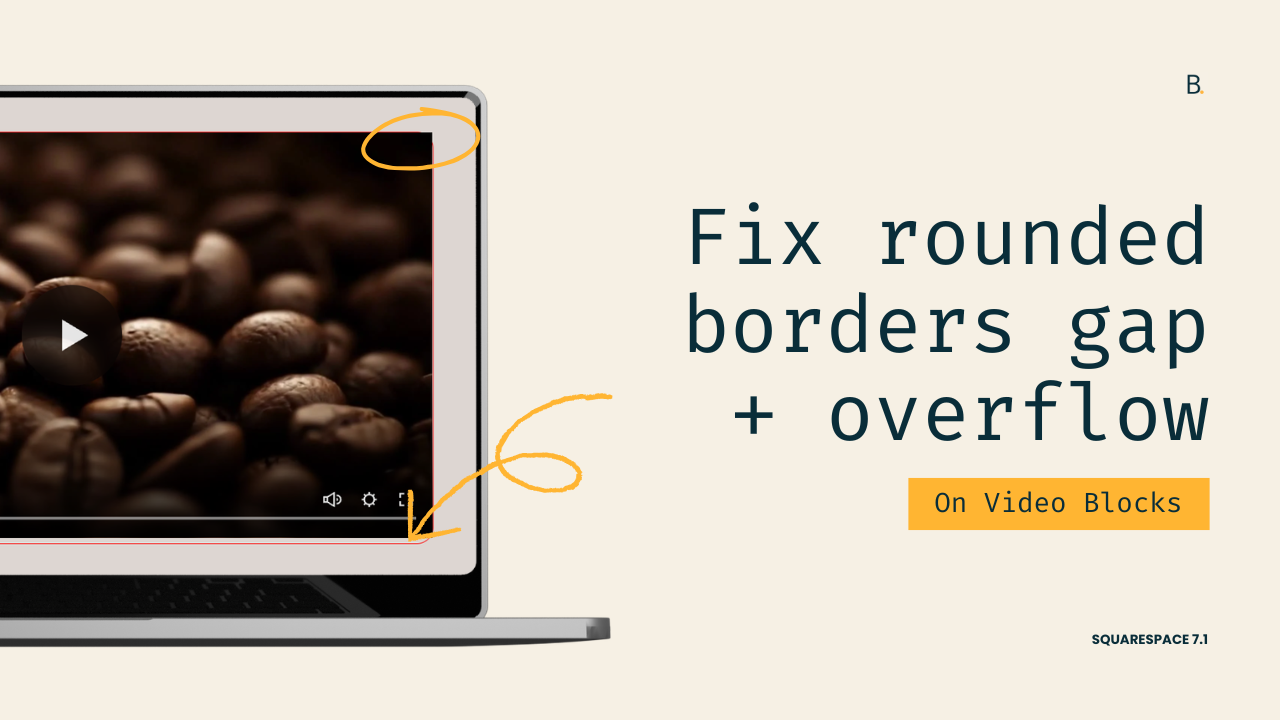
How to Add Borders & Rounded Corners to Squarespace Video Blocks (Without Gaps)
Adding a border and border-radius to a Squarespace Video Block can often create unwanted gaps or allow the video to poke through rounded corners. In this tutorial, you'll learn how to identify the correct video container, apply borders without layout issues, and crop stubborn video edges.
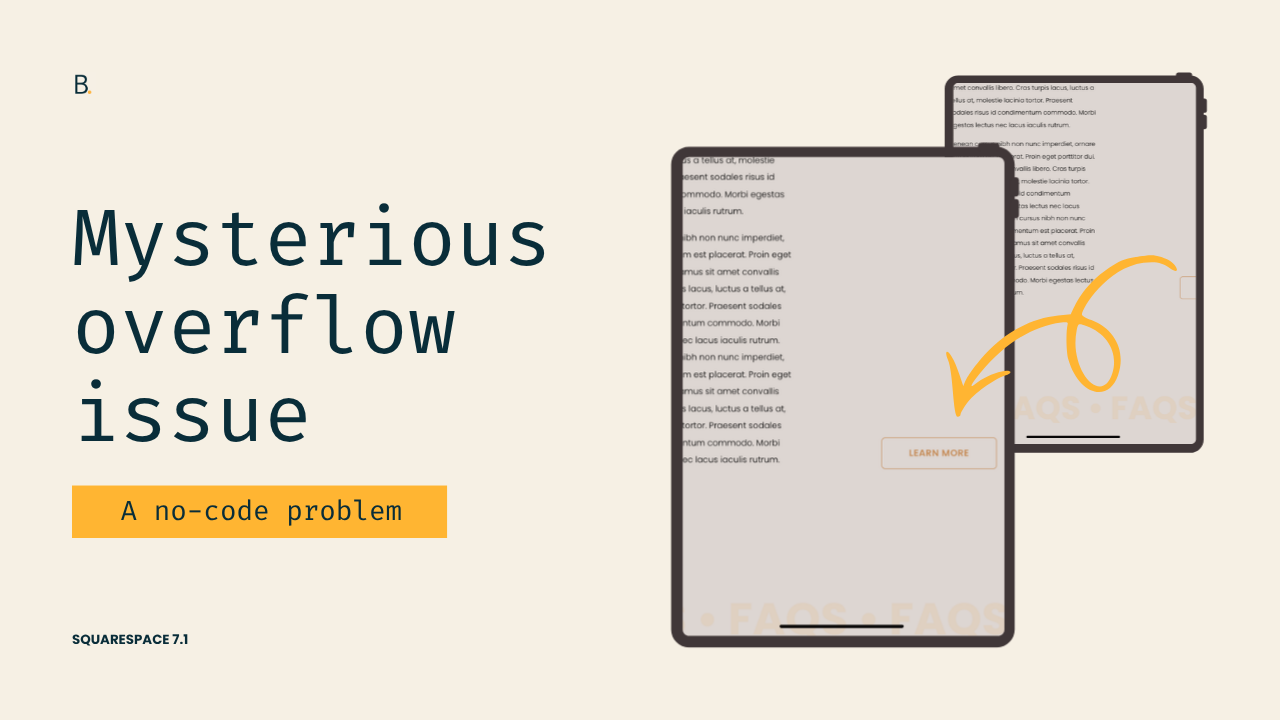
Why Your Content Gets Cut Off on Tablets When No Custom Code is Involved (7.1)
If content in your Squarespace 7.1 sections is getting cut off on tablet devices, the problem may not be caused by custom code at all. In this tutorial, you'll learn why it happens and how to fix it in seconds without writing a single line of CSS.
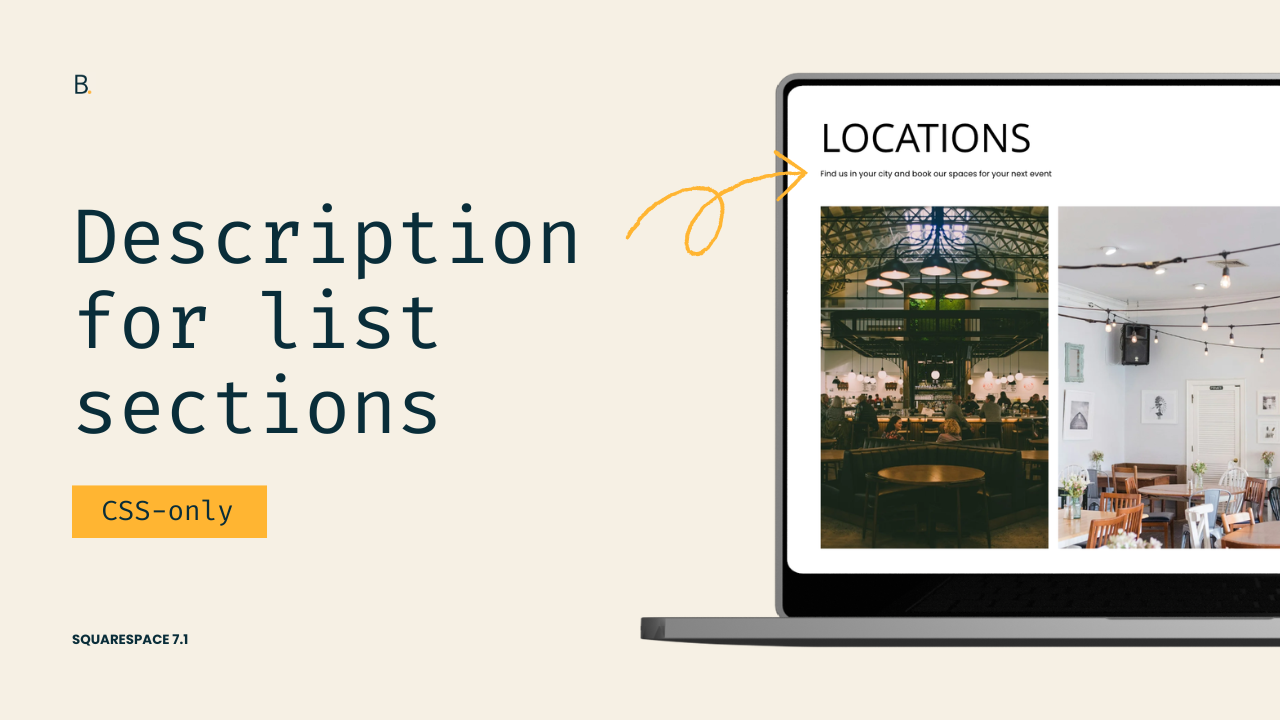
Styling and adding a description to the Title of List Sections in 7.1
Want more control over your Squarespace list section titles? In this tutorial, you’ll learn how to create separately styled titles and descriptions using only CSS. By combining bold formatting with targeted selectors, you can turn a single text field into a fully customizable heading and description layout for Carousel, Banner Slideshow, and Simple List sections.
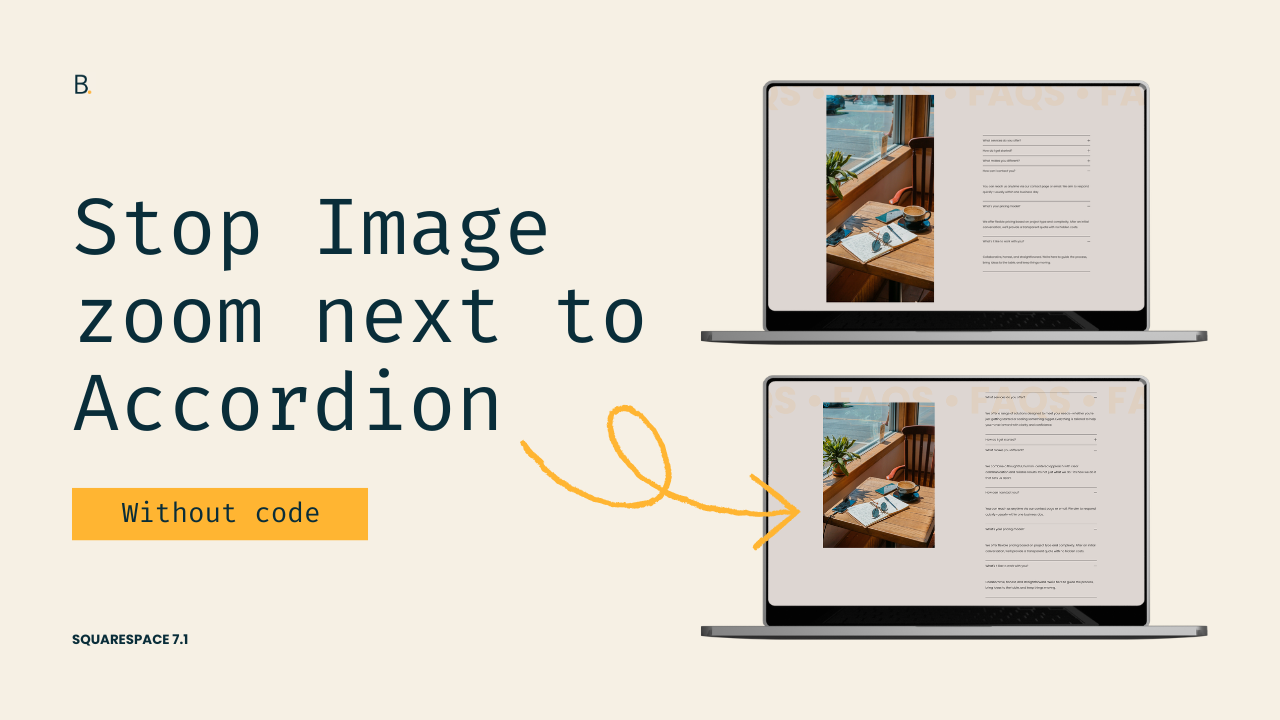
Fix expanding images next to Accordion Blocks in Squarespace 7.1
If your image keeps stretching or expanding next to an Accordion Block in Squarespace 7.1, the issue is likely caused by Fluid Engine’s grid system. In this tutorial, you’ll learn why it happens and how to fix it without using custom code!
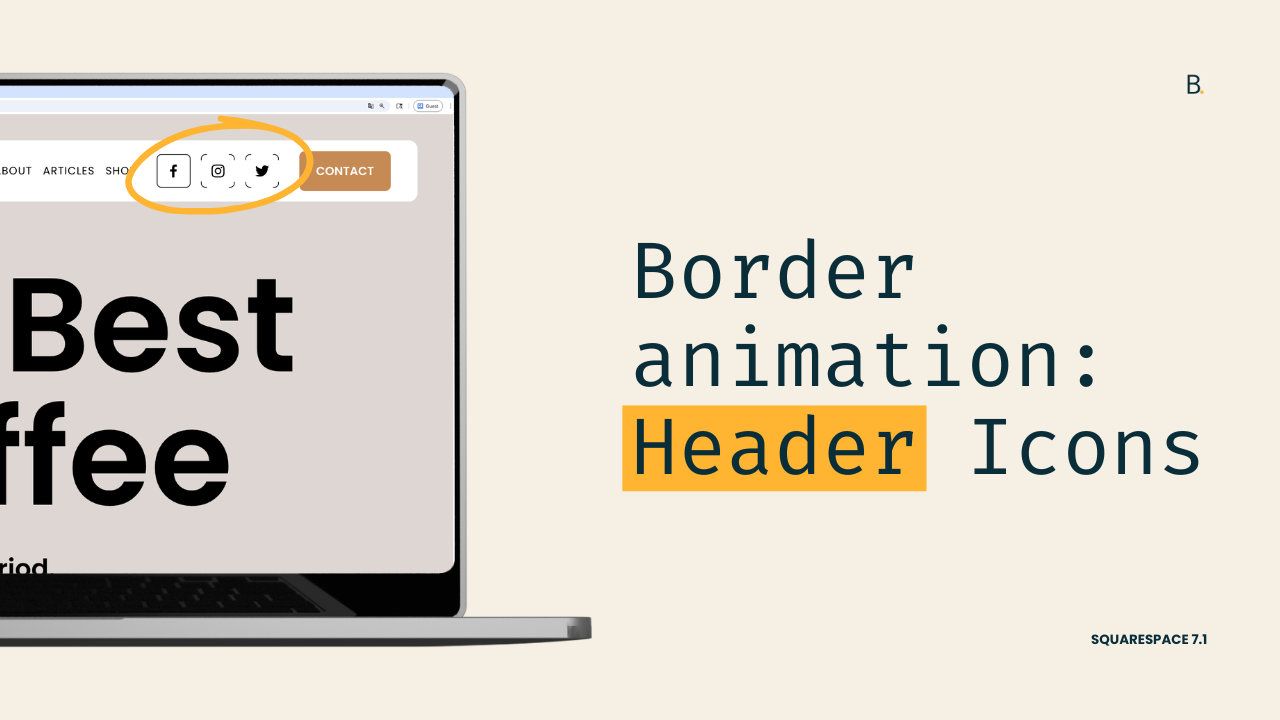
Header Social Icons border microinteraction for Squarespace 7.1
In this tutorial, we’ll look into adding a cool “drawing” microinteraction to the Header Social Icons in Squarespace 7.1. There are a couple of elements that need to be in place in order to set this up, but there’s nothing too crazy. So if you’re up to spending a few minutes adding code to create this border hover mode, let’s not waste any more time and jump right into it!
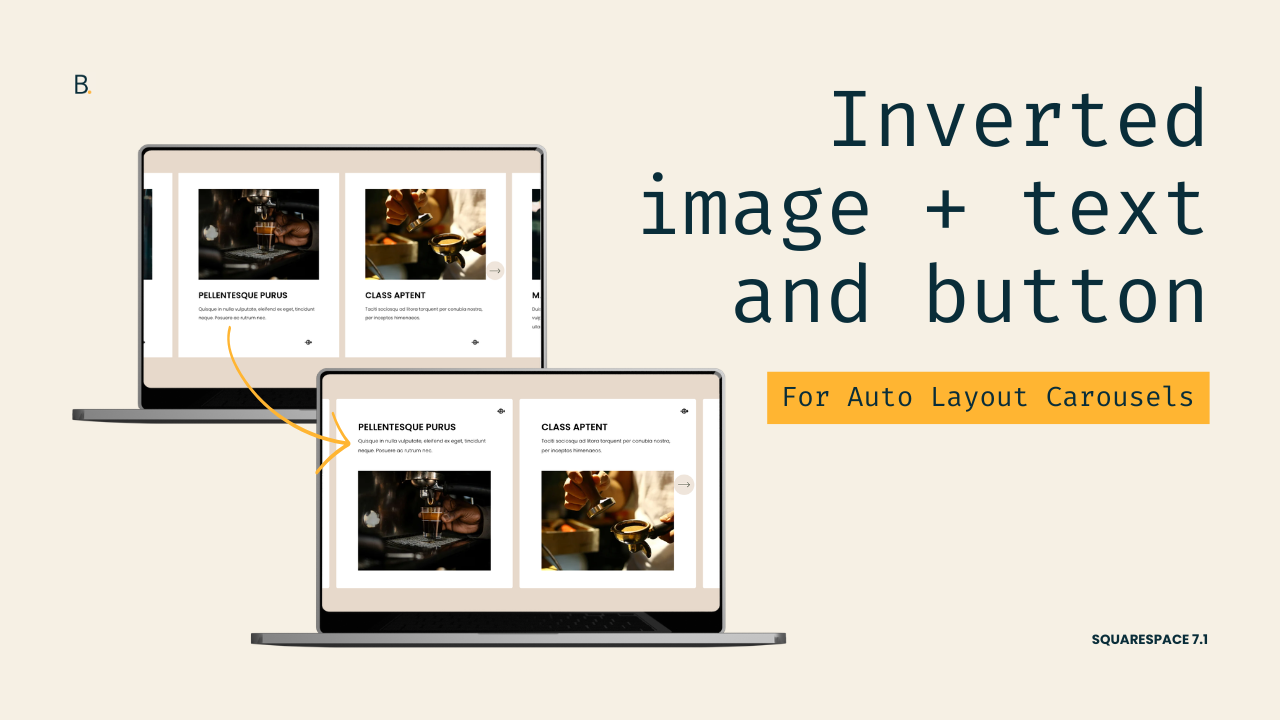
Inverted content and media for Auto Layout Carousel cards in 7.1
Want to apply the “Content First” look of simple lists to your Auto Layout Carousel slides in Squarespace 7.1? In this tutorial, you’ll learn how to invert the order of the carousel slide’s content, button, and image using just a few lines of CSS.
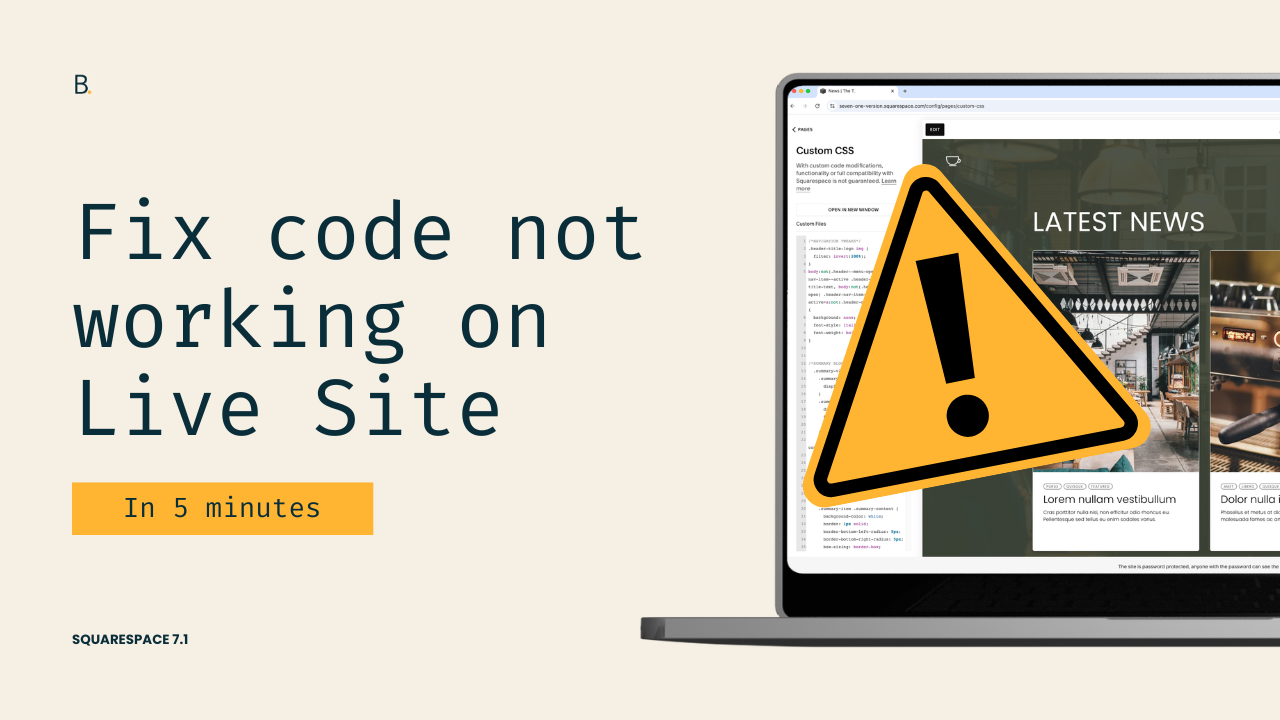
Why your code only works in the backend and not on the Live site
Is your custom CSS working perfectly in Squarespace’s backend but completely broken on the live site? This frustrating issue is often caused by hidden syntax errors that don’t appear in the editor. In this tutorial, you’ll learn an easy way to locate and fix this particular problem in 5 mins.
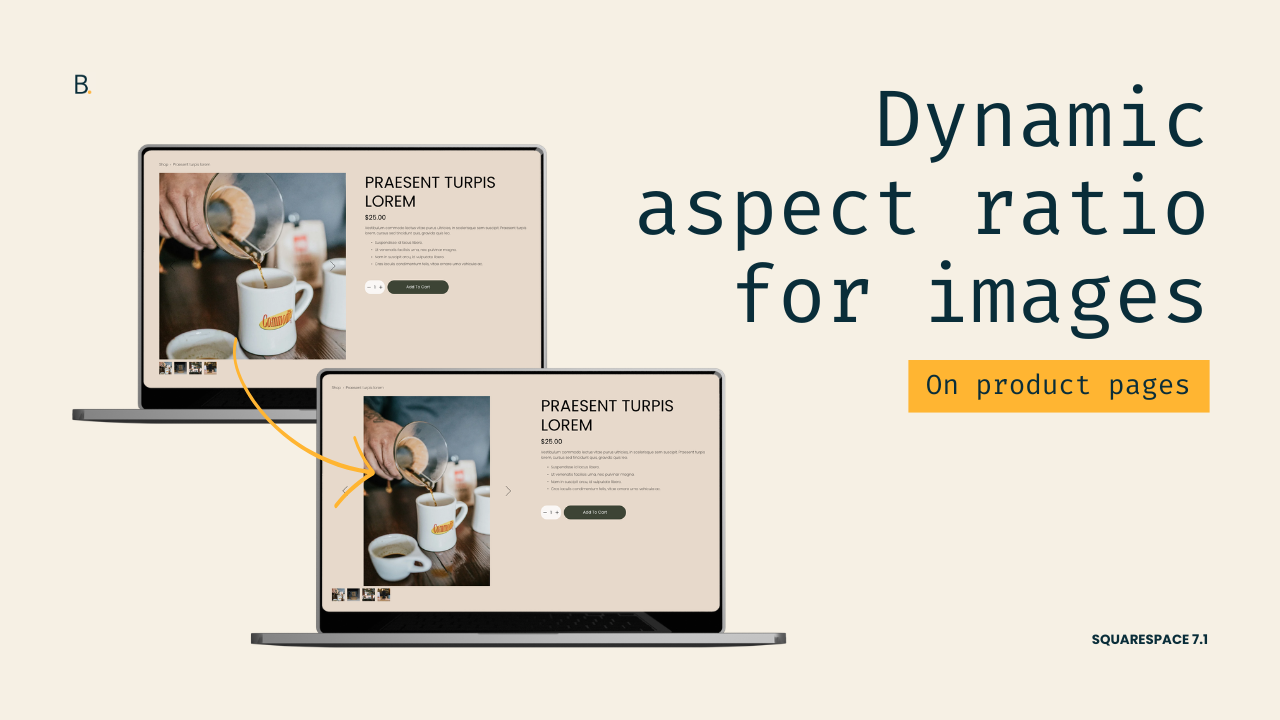
Original image size for shop product listing galleries
Are your Squarespace 7.1 shop images getting awkwardly cropped in product listings? In this tutorial, you’ll learn how to restore the native aspect ratio of your product images using a simple CSS tweak that works across both the Simple and Half product layouts.
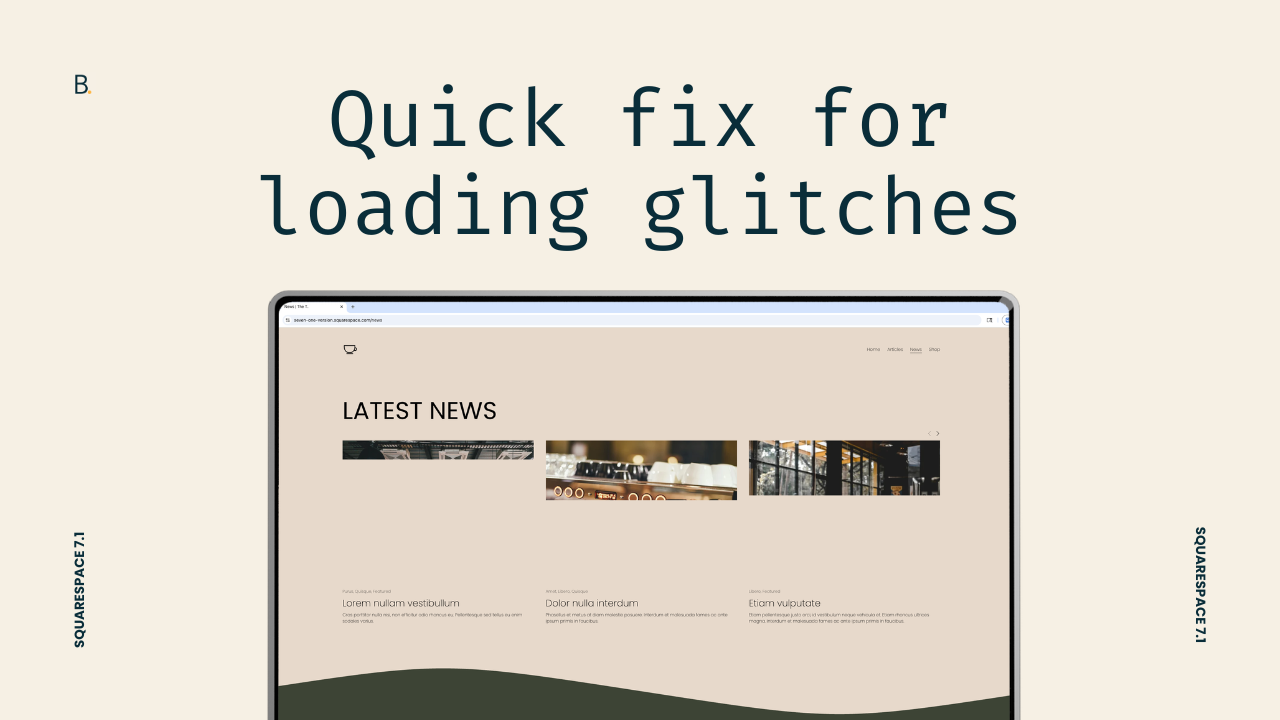
A CSS trick to stop loading glitches in Squarespace 7.1
Struggling with flickering, layout shifts, or “jumpy” loading behavior in Squarespace 7.1? These issues can happen even on simple sites and are often caused by elements like video backgrounds, section dividers, or heavy imagery. In this video, you’ll learn a clean CSS-based solution that delays content display just enough to eliminate visual glitches, without relying on loading screens or bulky animations.
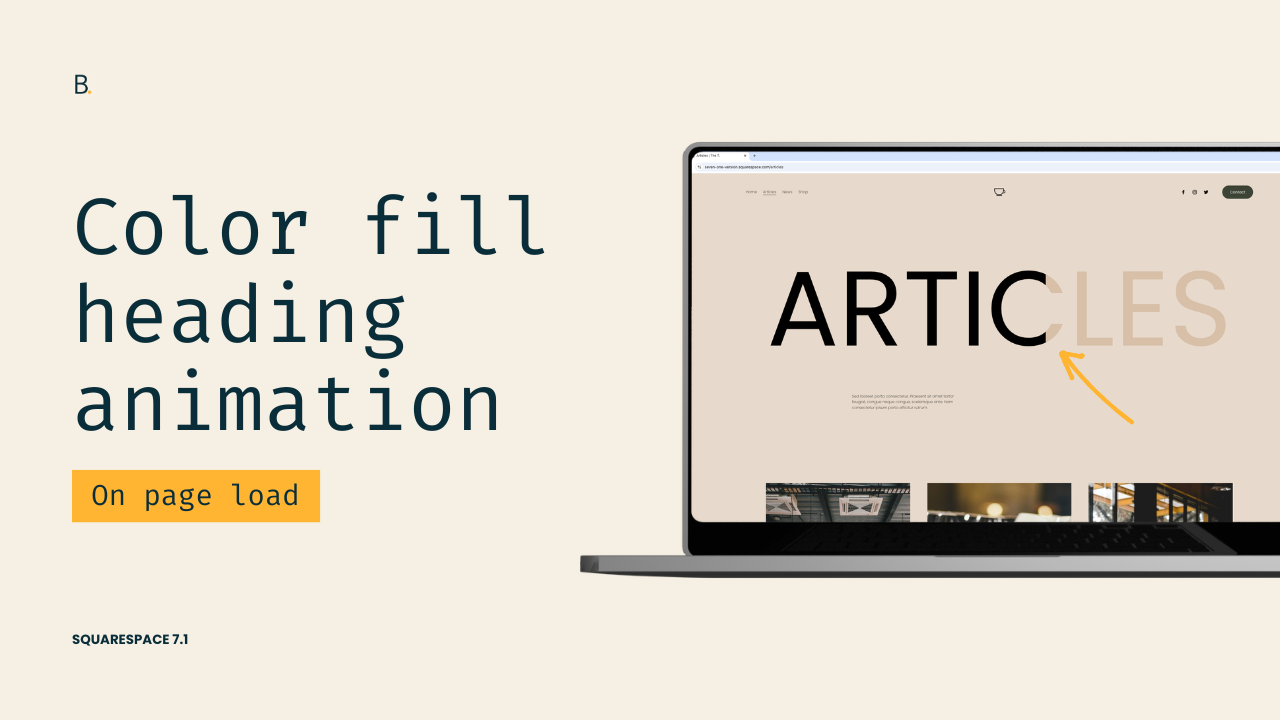
Color fill effect for headings in Squarespace 7.1
Learn how to create a color fill text animation in Squarespace using only CSS. In this tutorial, I’ll show you how to do it through a gradient, background clipping, and animating the effect with keyframes.
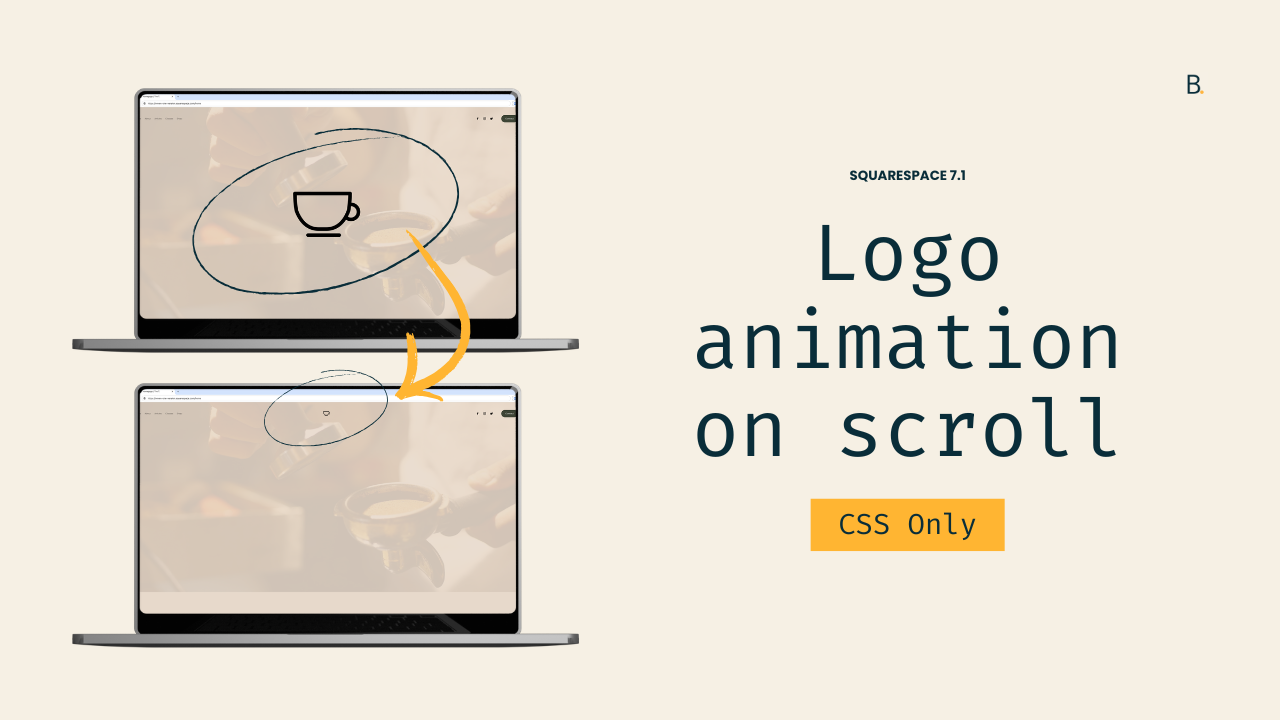
Logo resizing animation on scroll in Squarespace 7.1
Learn how to create a big-to-small shrinking logo effect in Squarespace 7.1 using only CSS. This tutorial walks through positioning, scaling, and triggering the animation on scroll using the built-in .shrink class
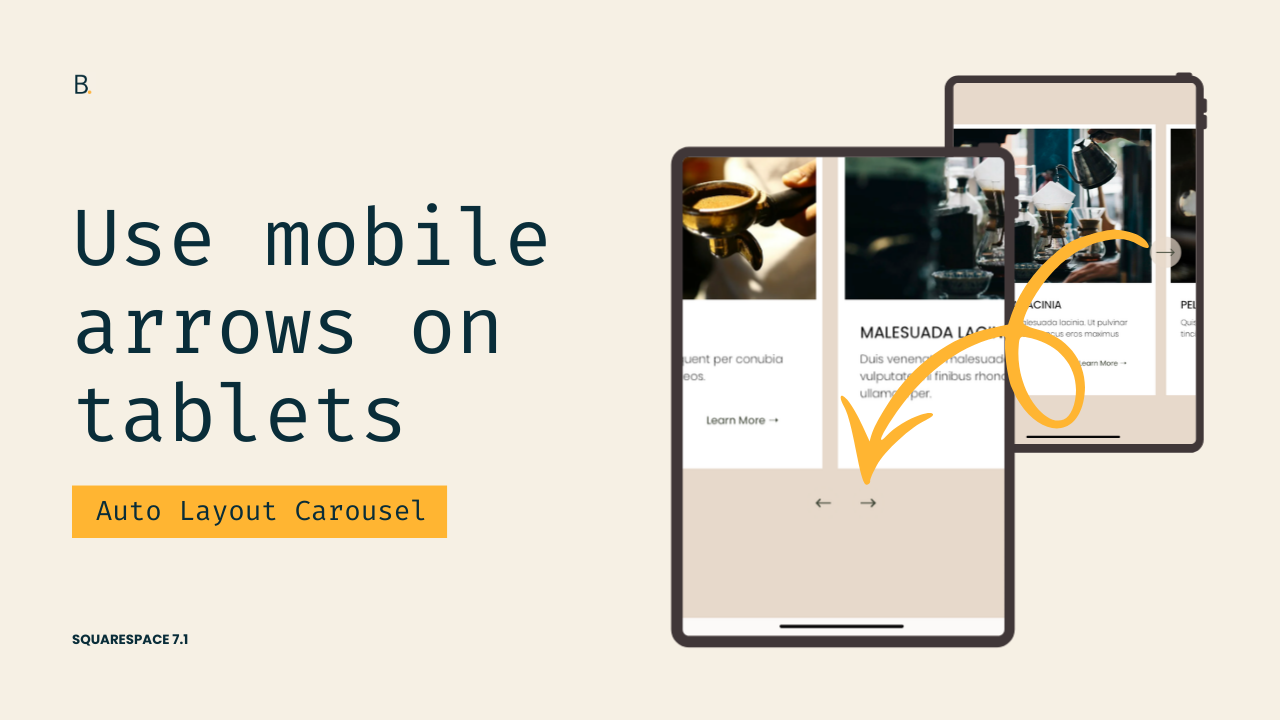
Bring up the Auto Layout Carousel mobile arrows on tablets
Learn how to show the bottom mobile arrows on tablets in Squarespace 7.1 for Auto Layout Carousels. This tutorial walks through hiding the desktop arrow container, displaying the mobile controls, and applying everything within a custom media query at the exact breakpoint of your choice.
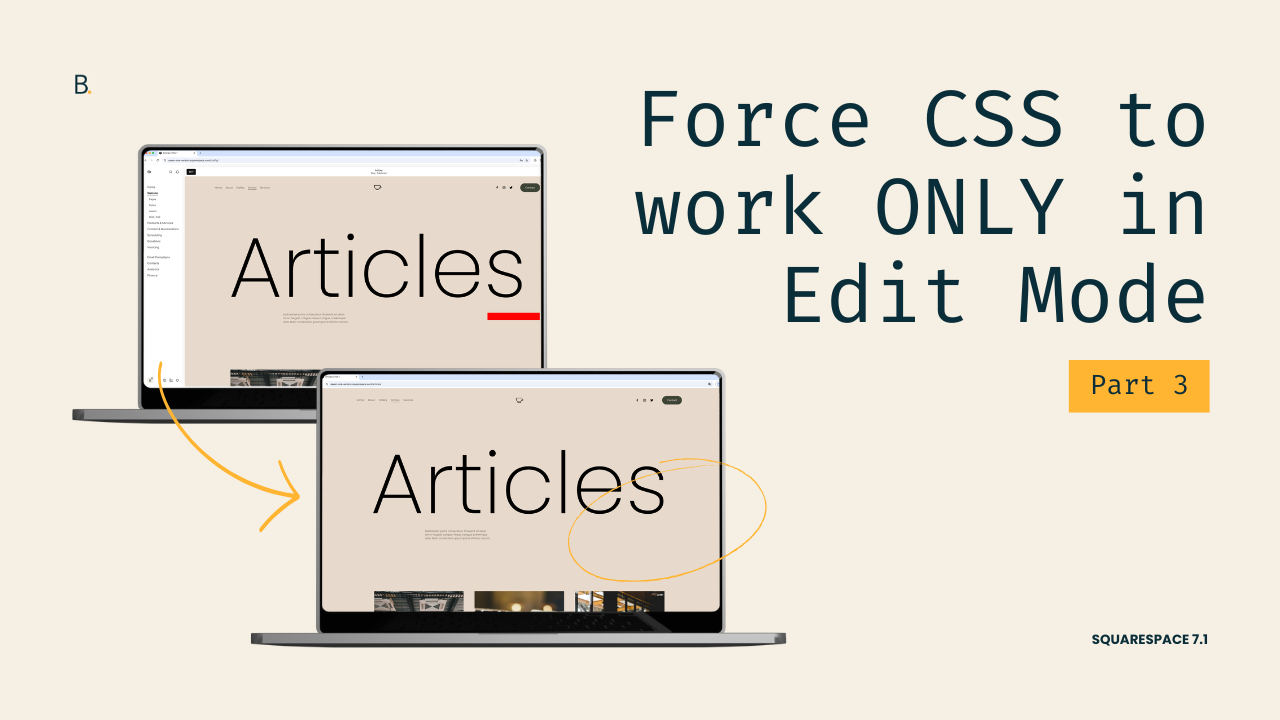
(Part 3) Force code to work ONLY during Edit Mode, not the Live Site in 7.1
In Part 3 of this Squarespace 7.1 tutorial series, we’ll look at how to apply custom CSS so that it runs only in Edit Mode and not on the Live site. By targeting the .sqs-edit-mode class, you can create backend-only styling that helps with troubleshooting, or temporarily highlighting hidden elements, without affecting the Live site.
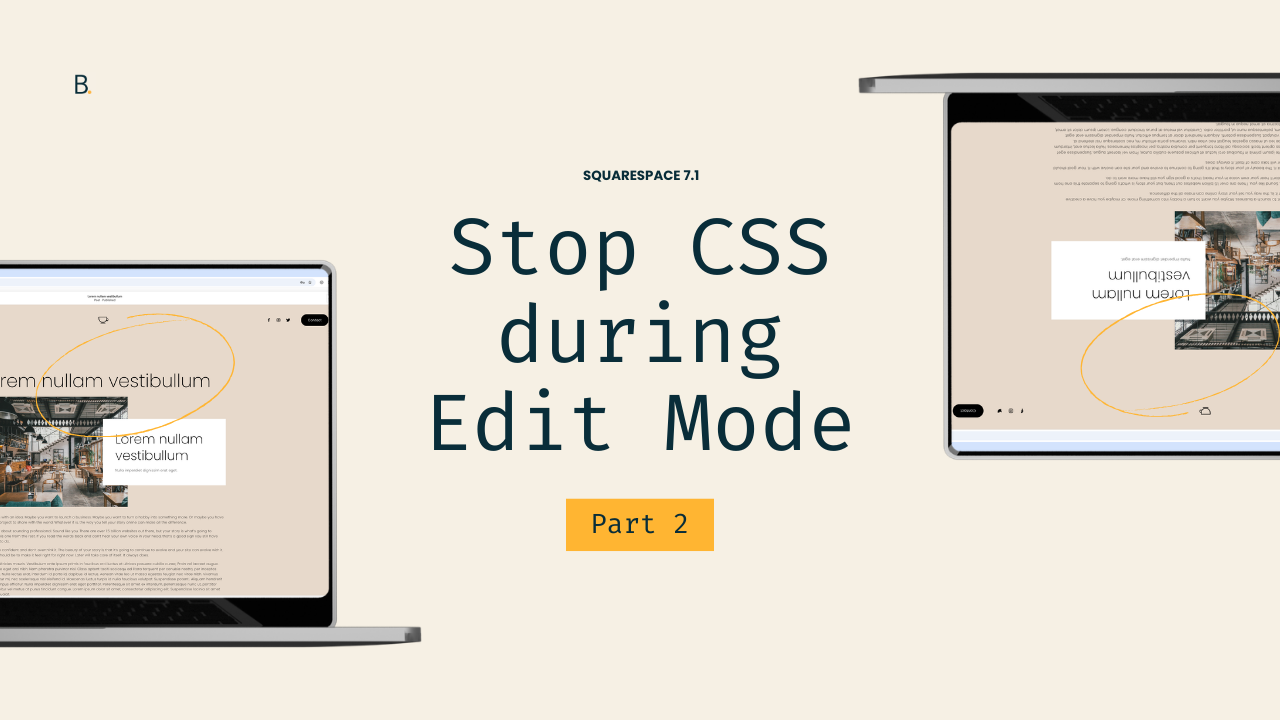
(Part 2) Stop code from working in the backend of a Squarespace 7.1 site
Learn how to stop custom CSS from working in the backend of Squarespace 7.1 while keeping it active on the Live Site. In this tutorial you’ll learn how to use .sqs-edit-mode and the :not() pseudo-class to control when your code applies. Let’s do it!
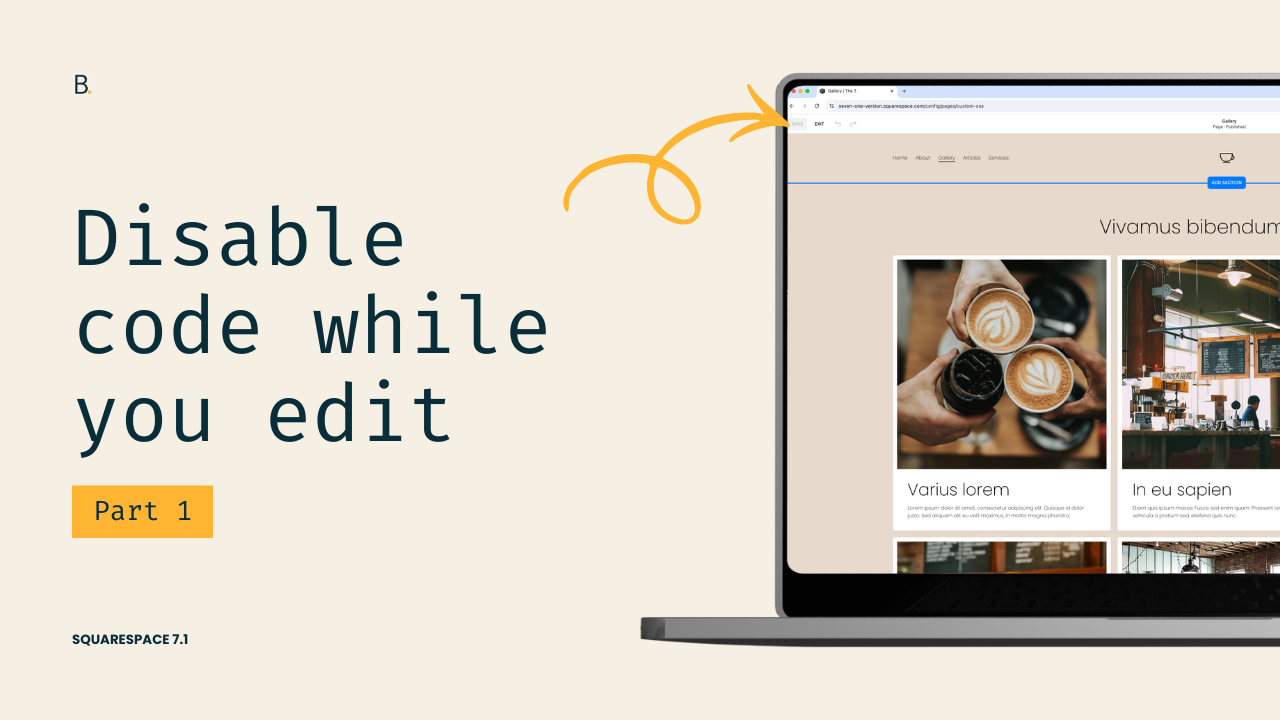
(Part 1) Disable code automatically while editing a Squarespace 7.1 site
Learn how to apply custom code only while in Edit Mode or only on the Live Site in Squarespace 7.1. This tutorial will show you how to use .sqs-edit-mode, .sqs-edit-mode-active, and the :not() pseudo-class to control when your CSS runs and when it shouldn’t. Get started with the first part!
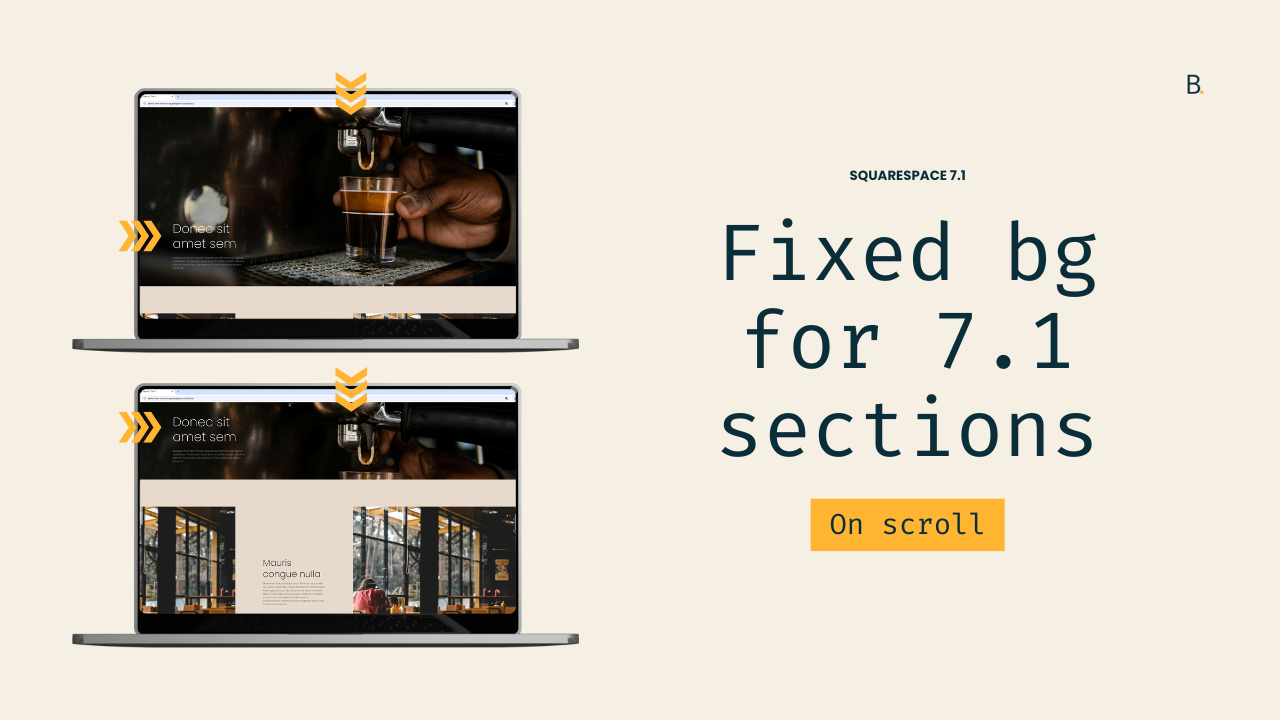
Fixed background image effect for sections in Squarespace 7.1 (aka, Parallax)
Squarespace includes a native parallax option, but if you’ve ever used it, you’ve probably noticed that background images still move, just more slowly than the rest of the content. If what you’re really after is a completely fixed or layered background effect, the native tools won’t quite get you there.
In this tutorial, you’ll learn how to create a true fixed-background parallax effect in Squarespace 7.1 using CSS only. We’ll replace the section’s default image behavior, pin the background in place, and allow the content to scroll smoothly over it.
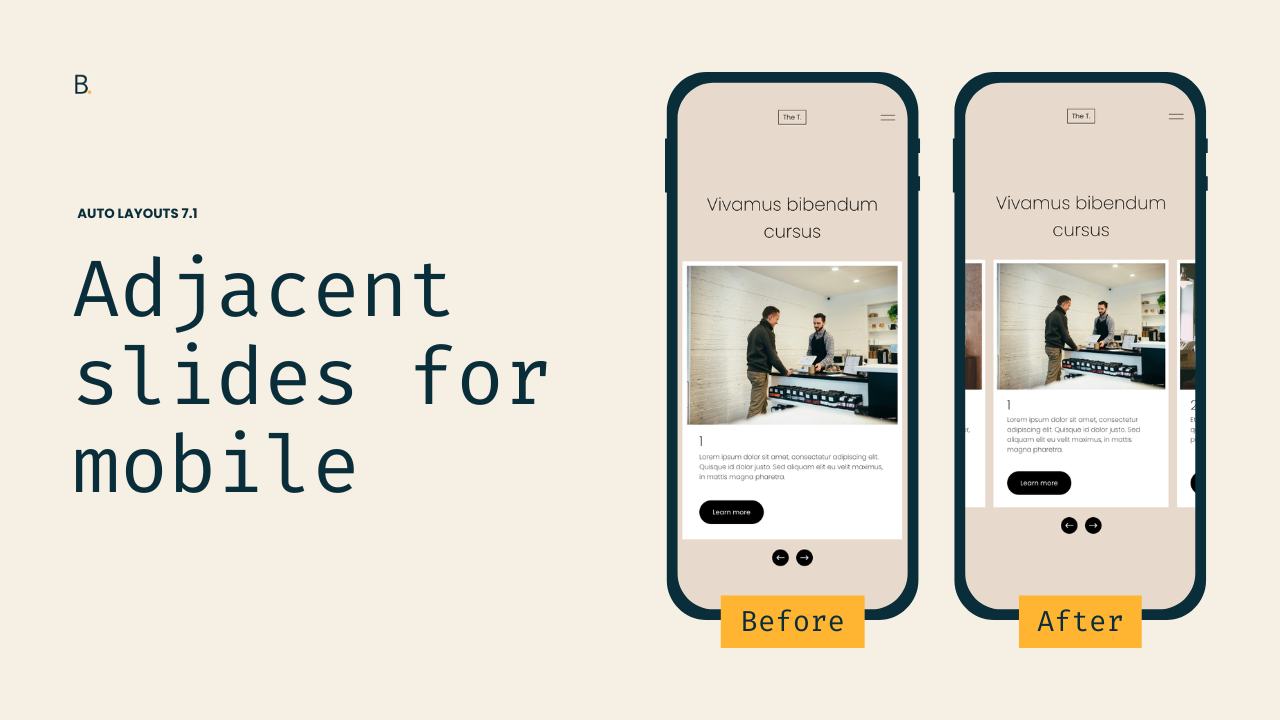
Show adjacent slides on mobile for 7.1 Auto Layout Carousels
In this tutorial, you’ll learn how to bring the desktop adjacent slides effect for Auto Layout Carousels to mobile. We’ll walk through how Squarespace controls overflow on small screens, why adjacent slides disappear, and how to override those rules without affecting the desktop layout, just with CSS.