
Tutorials
Find a new fix, CSS trick, workflow tip, or resource recommendation for your Squarespace client projects.

Customizing the style and text of Read More links inside Summary Blocks
In today’s video, you’ll learn how to replace the text of Read More links for Summary Blocks and how to turn them into buttons!

How to reduce the height of the Gallery Slideshow Reel on mobile in Squarespace (7.1)
Gallery Reels can be a pretty easy way to create an immersive image carousel in your client's site, but on mobile they may show up taller than what you have in mind. Luckily, today, you’ll find out how you can quickly change that!

Create a typewriter effect for headings in Squarespace
In today’s tutorial, we’ll be tackling how to create a typewriting effect for headings in Squarespace, in just a few minutes!
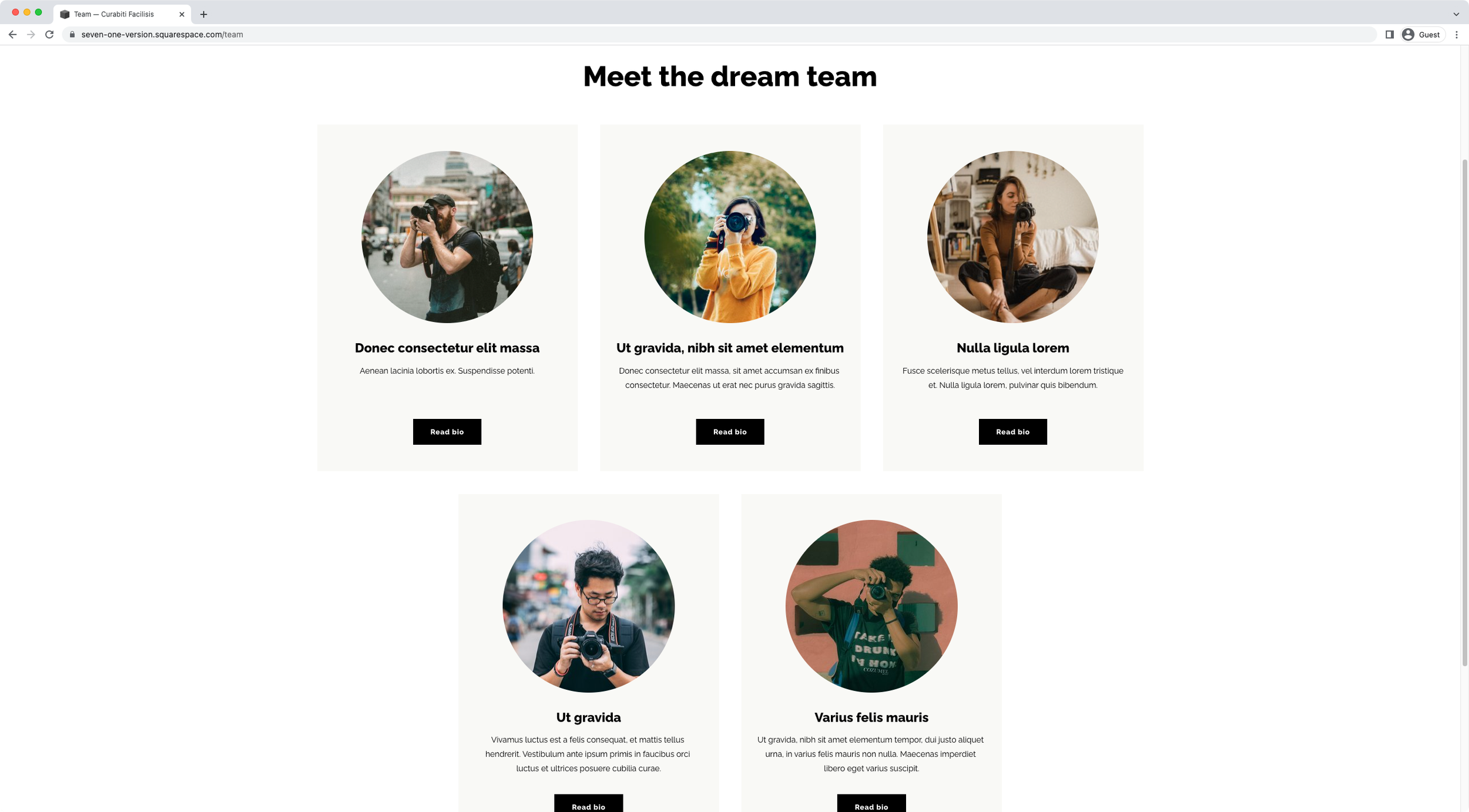
How to center-align the last two slides of an Auto List in Squarespace (7.1)
Want to center-align those last two slides inside your client’s Auto List section? Then take a look at this easy CSS trick to make it happen!
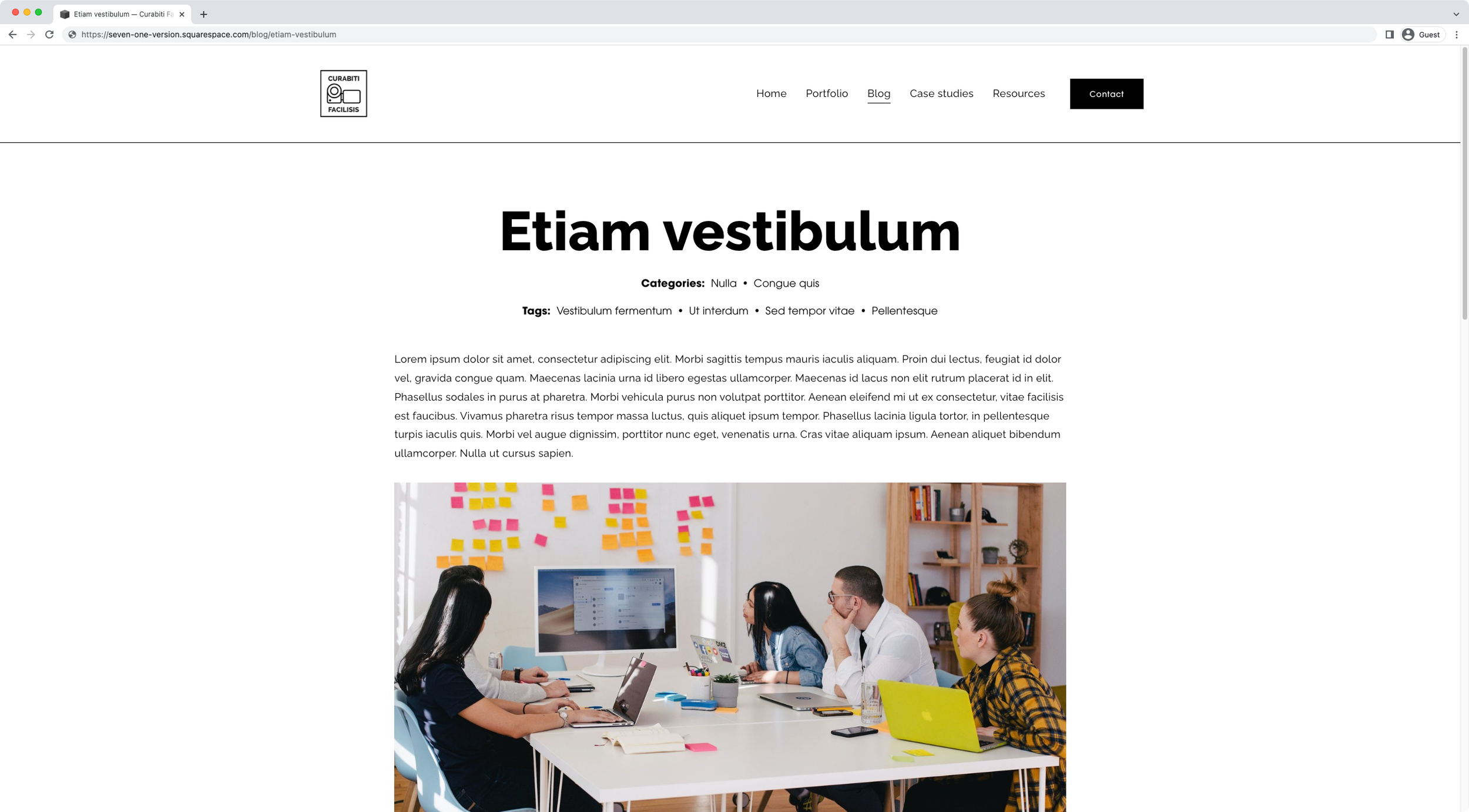
How to move the tags under categories on blog pages in Squarespace (7.1)
Are you wanting to move the tags inside blog pages in 7.1 to the top of the content and under the categories? Great! This tutorial will show you exactly how to make that happen with a CSS trick.
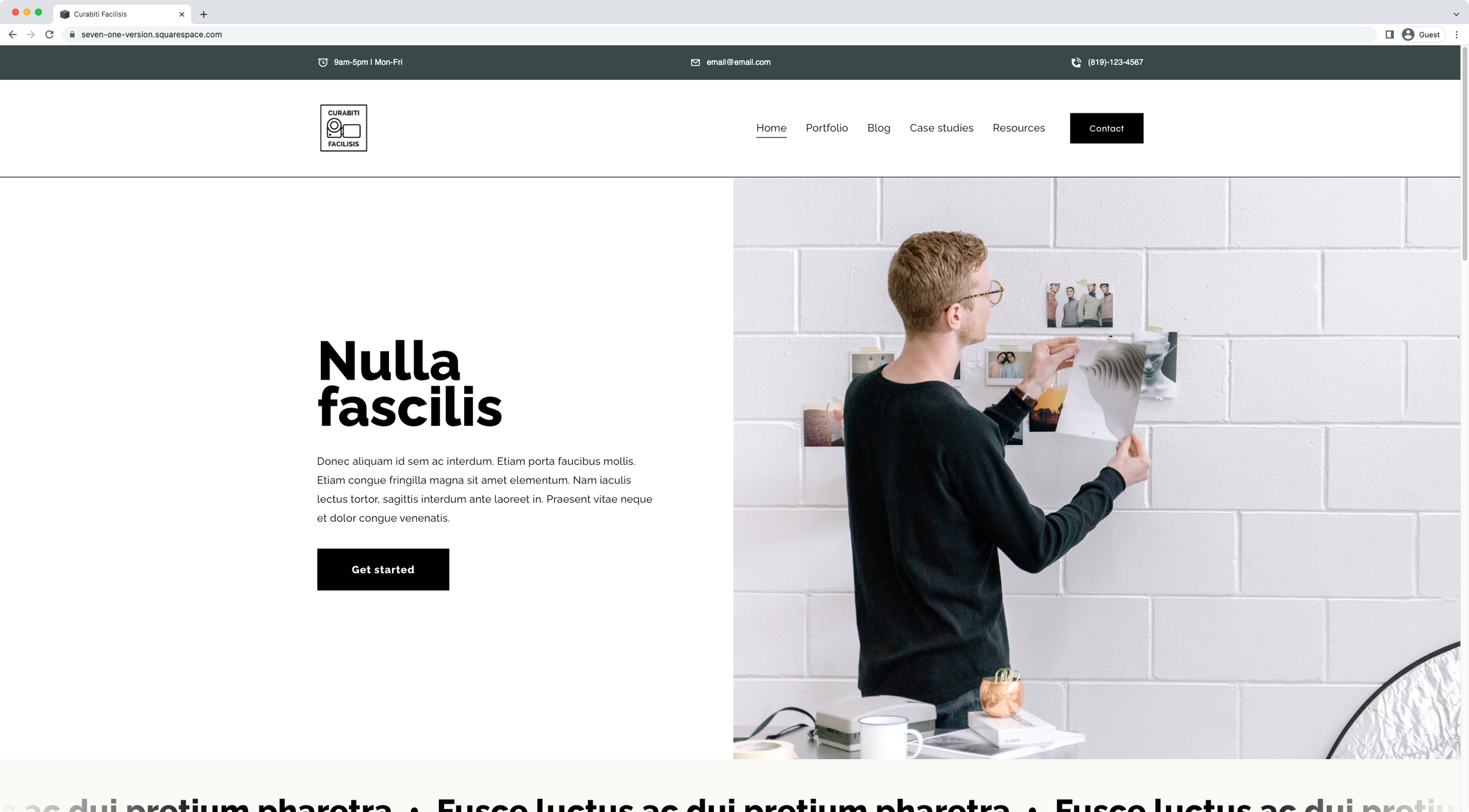
How to create a business info bar above the header in Squarespace
In today’s tutorial, we’ll be creating a business info bar that carries the hours, email and phone number of a hypothetical company with the help of HTML and our friend, CSS.

Looping rotating words effect for headings in Squarespace
Want to create a looping rotating effect for a heading on your client project? Then take a look at how you can easily achieve that with an awesome plugin!
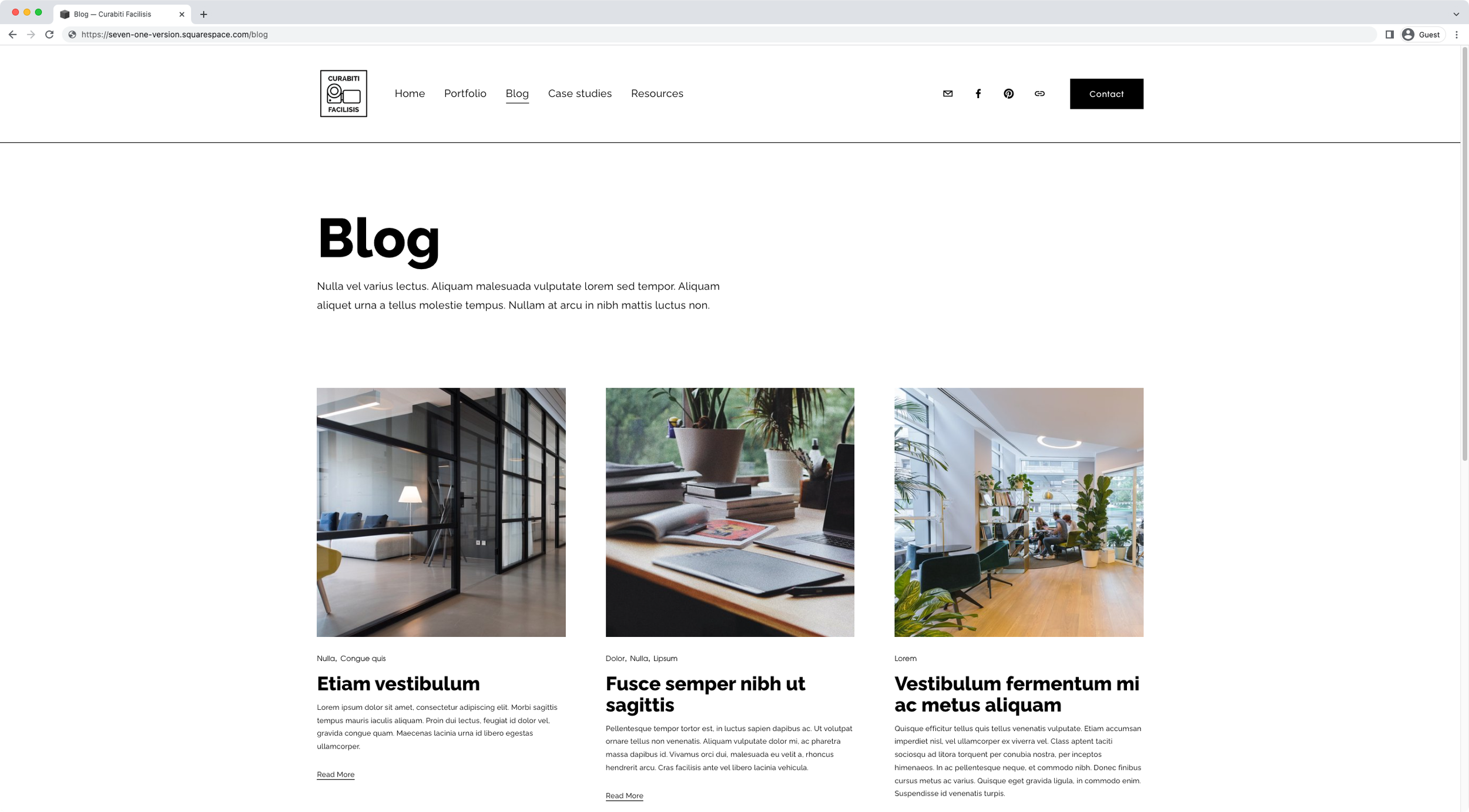
Change the number of columns and thumbnail aspect ratio of ONE blog page in Squarespace (7.1)
In this tutorial, we’ll be looking at how you can easily modify the number of columns and aspect ratio of a blog page in 7.1 with a little CSS trick!

Autoplay and Ken Burns effect for the Auto Layout Banner Slideshow (7.1)
Today, we'll be diving into Auto Layouts once more, but this time we'll be tackling how to make the Banner Slideshow autoplay and tweak its native transition just a tad to build a lovely Ken Burns effect.

How to make Auto List items fully clickable in Squarespace (7.1)
If you want to make your 7.1's Auto List items go to your chosen link when ANY part of the card is clicked vs. linking only through the button, this CSS trick is going to show you how to make that happen!

Creating collapsible form sections in Squarespace
Today’s tutorial is a really useful one, especially if you have to deal with large-ish form blocks on a regular basis when building your client sites. We’ll be using a crafty little trick to HIDE parts of a form when the page loads, and then reveal those hidden fields on click, almost like an accordion block!
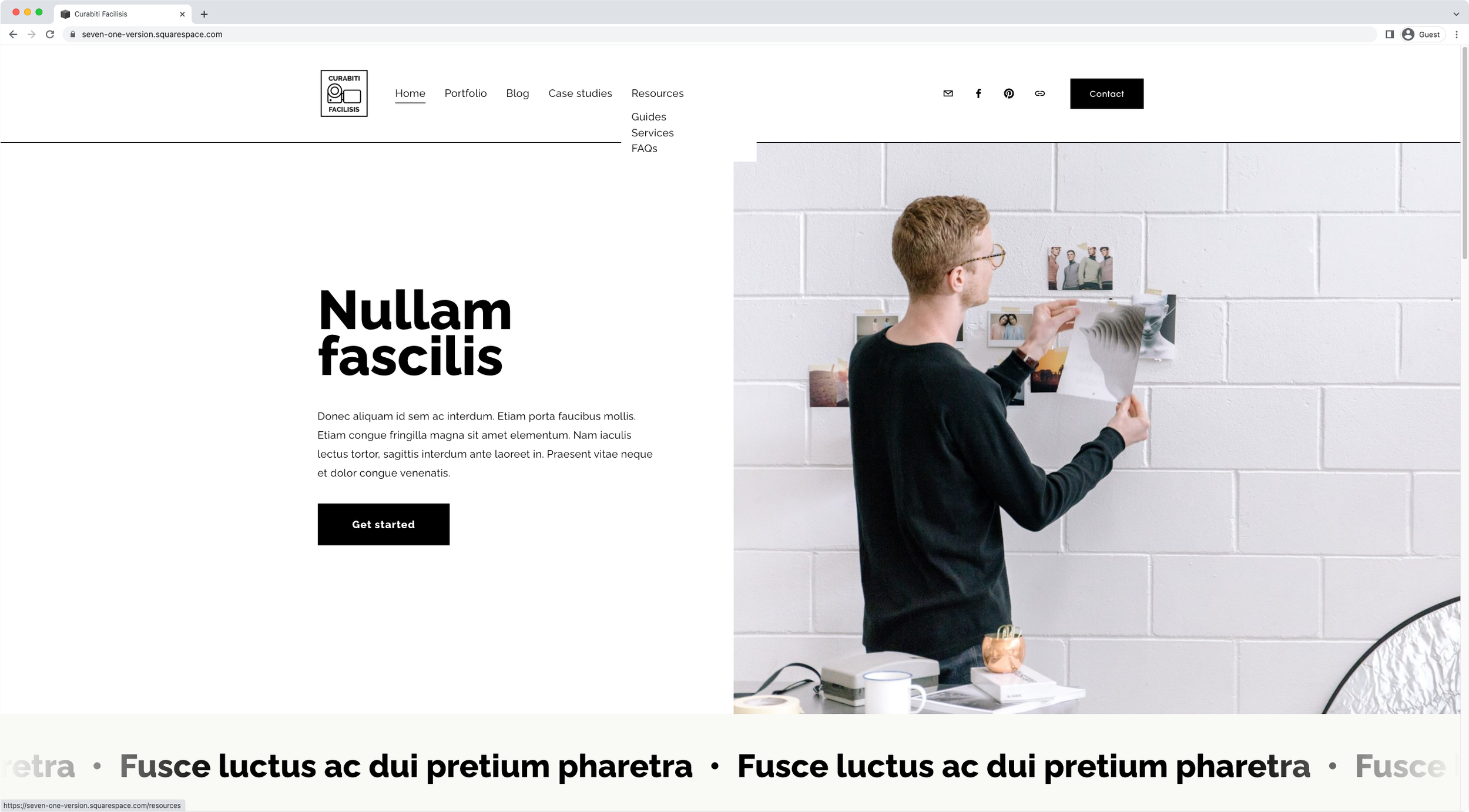
How to make folder titles clickable in Squarespace
Are you using folders in your Squarespace site’s navigation? Do you want to make the titles clickable? If so, tutorial will help you achieve that in no time!

Changing the accordion block icon when a dropdown is open
If you want to add a little fun customization to your client’s accordion block, then this tutorial is for you! We'll be looking at how to use two custom icons for the accordion block items in Squarespace: one when the dropdowns are open and a different one when they are closed. Spoiler alert: the customization is easier than you think!
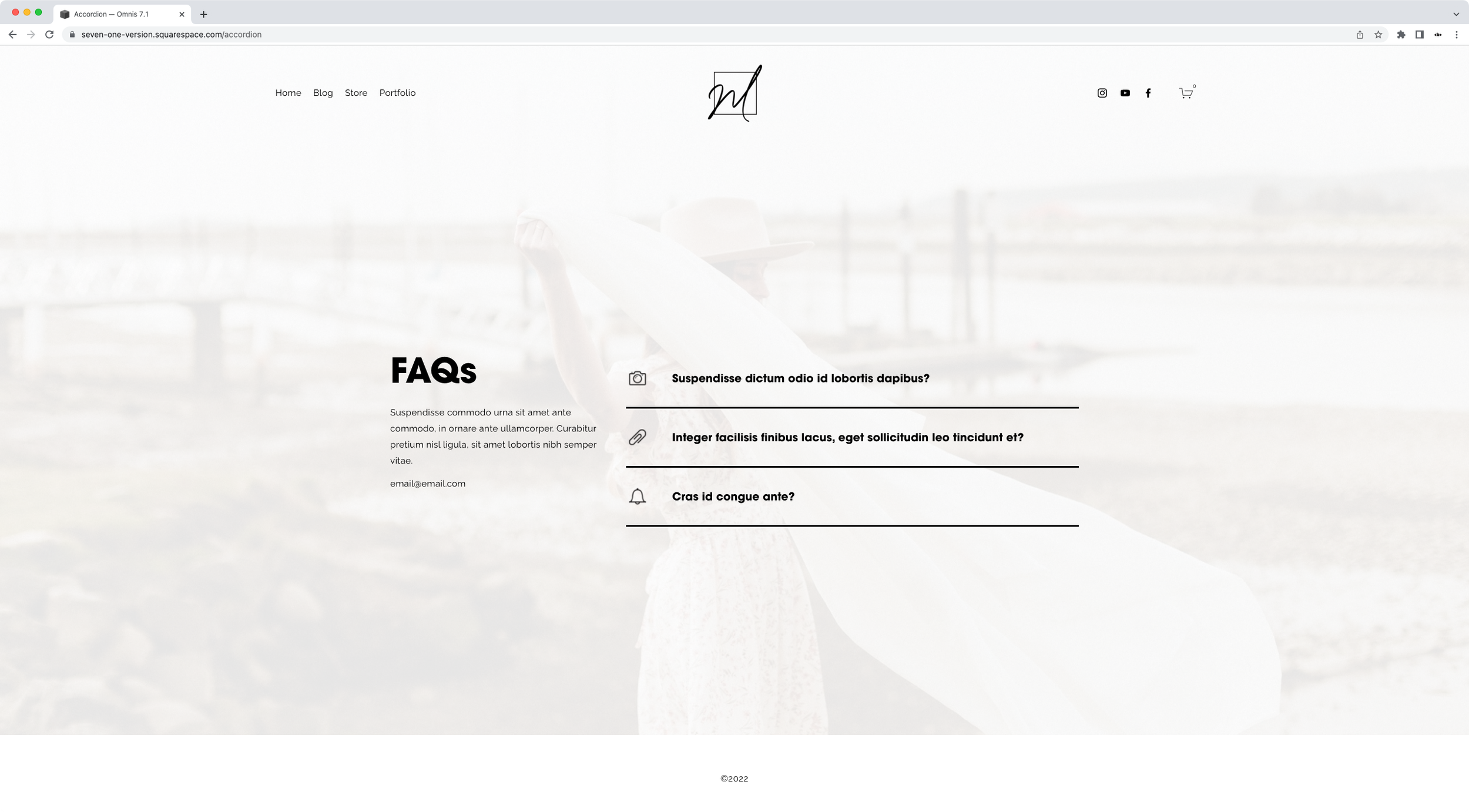
Adding custom icons to the Accordion Block in Squarespace
In today's tutorial, we'll be looking at how to change the arrow or plus sign inside the accordion block for a custom icon. We'll tackle how to use the same image for ALL accordion items, and how to use a DIFFERENT icon for each individual dropdown!

Changing the number of slides per row for Squarespace Auto Layouts on smaller screens (7.1)
Let’s take a look at how we can control the number of items displayed on mobile when working with the Auto Layout List in Squarespace 7.1!

How to create responsive text, WITHOUT media queries, in Squarespace
In today's video, we'll be tackling how to handle responsive text in Squarespace with ONE line of code and no media queries. Take a look!

How to create custom shapes for images in Squarespace
Want to know how to create custom shapes for images in Squarespace? Then today’s tutorial is for you! Take a look.

How to create a hover mode for anything in Squarespace
In this week's video, we'll be looking at the steps behind creating a hover mode for anything you want in Squarespace. Sounds good? Then let’s jump right into it!

Add custom bullet points to text blocks and image blocks in Squarespace
Want to create branded bullet points for your client’s site? Then take a look at this tutorial to learn how you can make that happen, only with CSS, for both text blocks and image blocks!

Easily create a multilingual site in Squarespace
Want to add a free translation widget to your Squarespace site? Then take a look at how you can easily set that up and style it with this simple CSS trick.