
The
Snippet Directory
A project coding toolkit to help speed up your custom Squarespace builds

Placing the arrows on each side - Summary Block Carousel
Reposition the arrows of your Carousel Summary Block with this short code snippet. With a quick copy/paste you’ll be able to instantly place them to the sides of the slides and determine how far away from the items they should sit.

Bottom-aligned ‘Read More’ links - Summary Block
So, you’re working with the Summary Block but your text is fairly short (compared to the height of your image) and you’re wanting to balance things out by aligning the ‘Read More’ link to the bottom of the thumbnail? Use this little snippet to make that happen.
Basic title styles - Summary Block
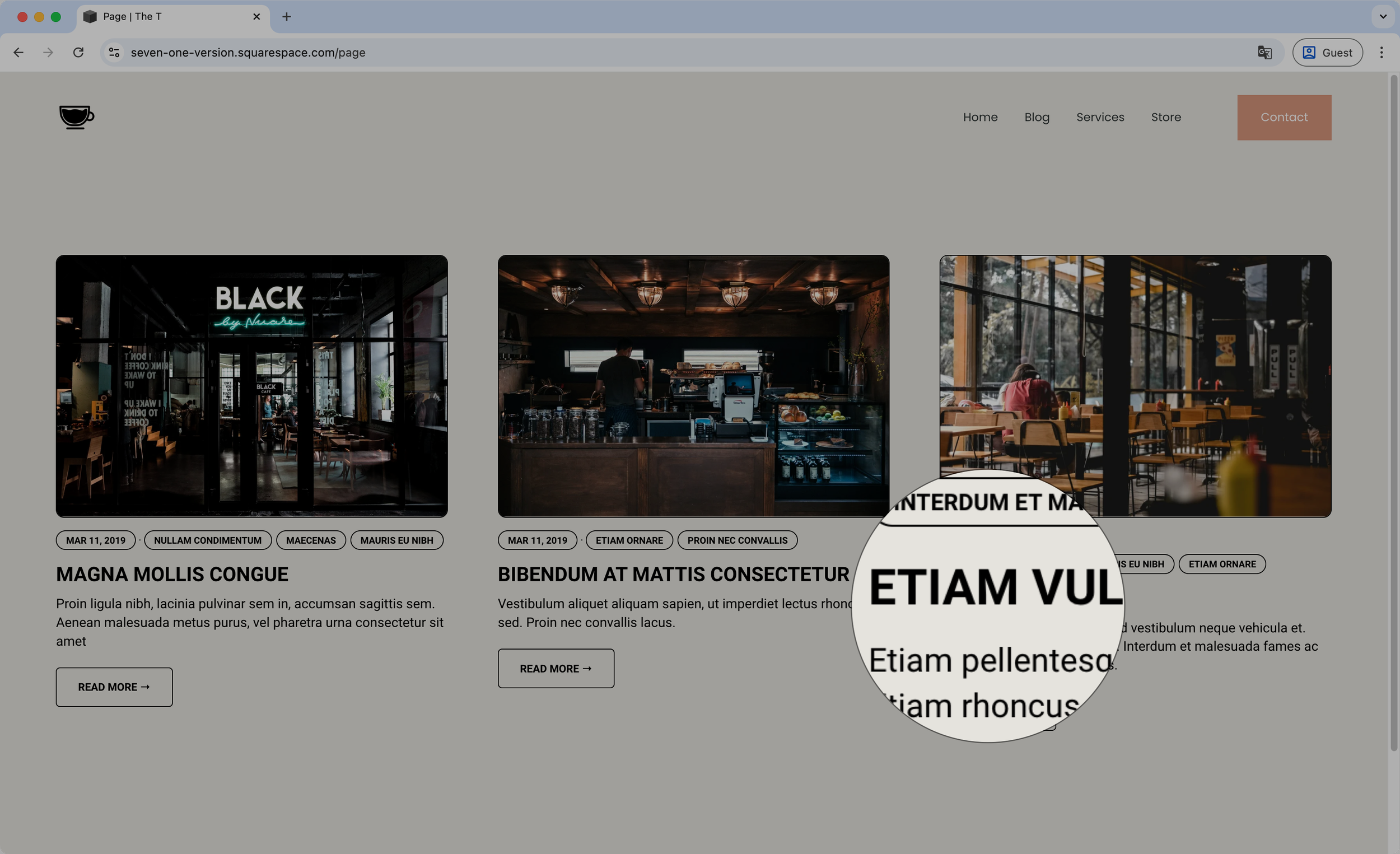
With this short code you’ll be able to style the title of your Summary Blocks in a heartbeat! Switch up the color, the font size, the font family and apply any other font styles you want by simply copy/pasting the snippet and adjusting the properties to your needs.

Basic excerpt styles - Summary Block
Need to change up the look of the excerpt text for Summary Blocks? Then look no further. This code snippet will allow you to style the font however you want by changing its color, size, weight and any other font property in just a few minutes!

Basic ‘Read More’ link styles - Summary Block
Ah yes, the “Read More” links. If you’re looking to change the ones inside your Summary Blocks and turn them into a button, this snippet is for you! Just copy/paste the code and you’ll be able to alter the colors, border, border-radius and anything else you want to make them as prominent as you need them to be.