
The
Snippet Directory
A collection of customizable plugins for Squarespace designers, aimed to fix and tweak client projects in a fraction of the time.
Price is going up to $197 on Feb 2
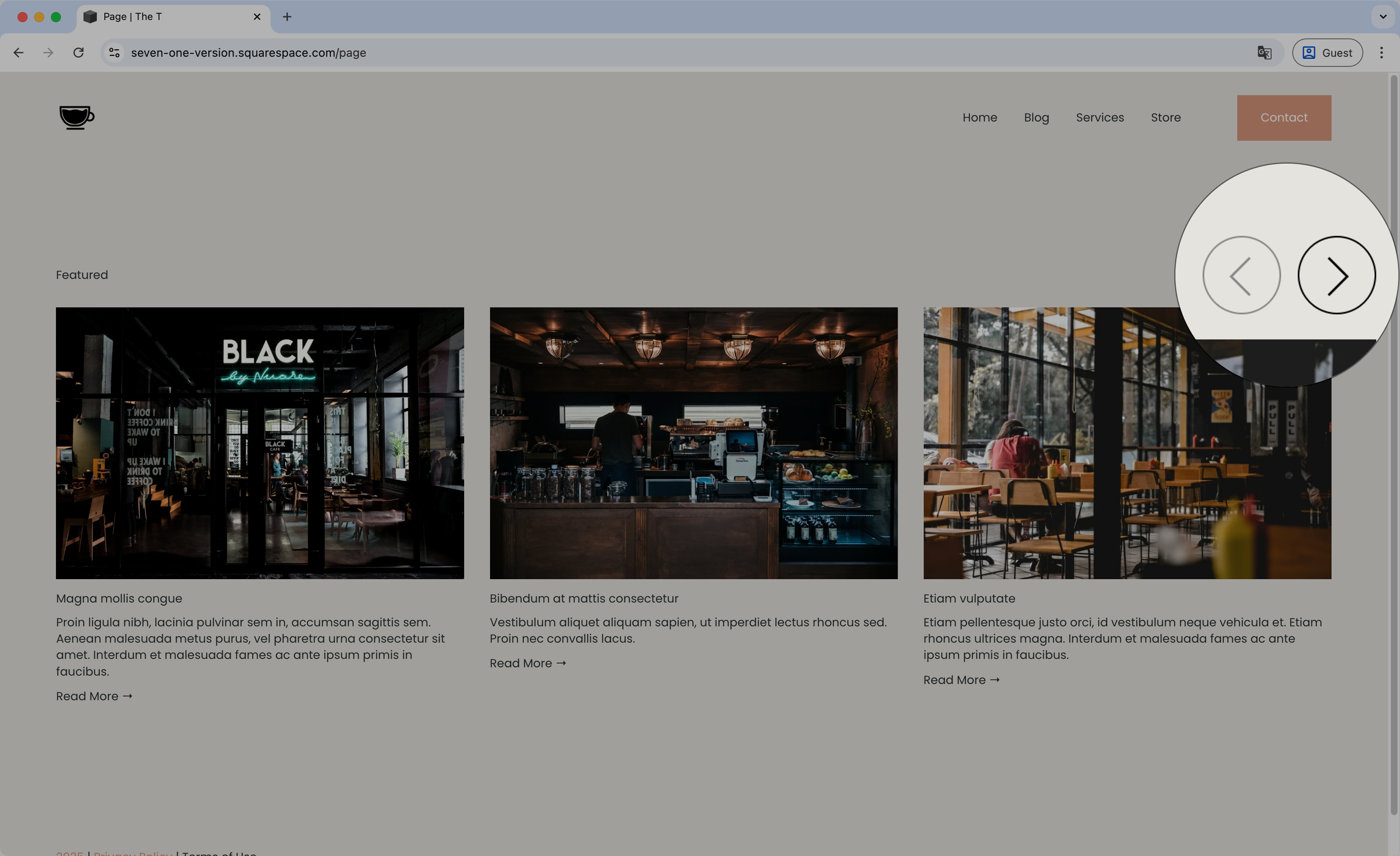
Styling the arrows - Summary Block Carousel
Snag this short snippet to help you style the Summary Block Carousel arrows! You’ll be able to change the background color, set a border, adjust the size, etc by simply copy/pasting the code

Styling the Header font - Summary Block Carousel
With this copy/paste code snippet you’ll be able to set all the font styles you want for the Header text at the top of Carousel Summary Blocks, to ensure everything on your site matches your brand.
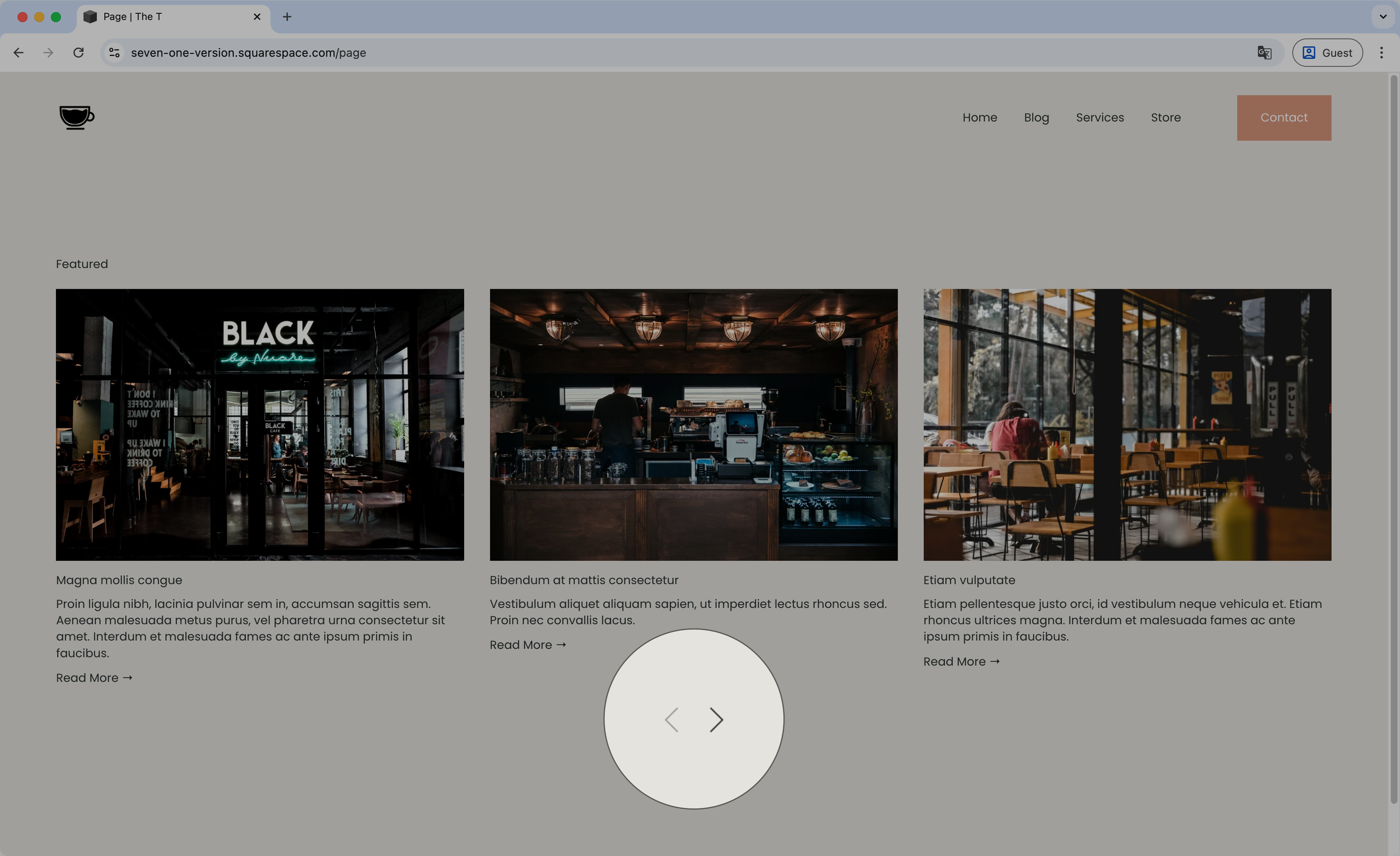
Moving the arrows below the content - Summary Block Carousel
Want to have your Carousel Summary Block arrows under the slides? This code snippet will help you do just that! You’ll be able to determine whether they should align to the center, left or right of the carousel, or even space them out if you rather have each on a different side.

Placing the arrows on each side - Summary Block Carousel
Reposition the arrows of your Carousel Summary Block with this short code snippet. With a quick copy/paste you’ll be able to instantly place them to the sides of the slides and determine how far away from the items they should sit.

Bottom-aligned ‘Read More’ links - Summary Block
So, you’re working with the Summary Block but your text is fairly short (compared to the height of your image) and you’re wanting to balance things out by aligning the ‘Read More’ link to the bottom of the thumbnail? Use this little snippet to make that happen.
Price is going up to $197 on Feb 2