
The
Snippet Directory
A project coding toolkit to help speed up your custom Squarespace builds

Branded social icons - Social Links Block
Looking to spruce things up with custom branded icons all over your Squarespace site, including the social icons? Great! Then get your hands on this snippet to ensure you can do that for the Social Links Block as well.
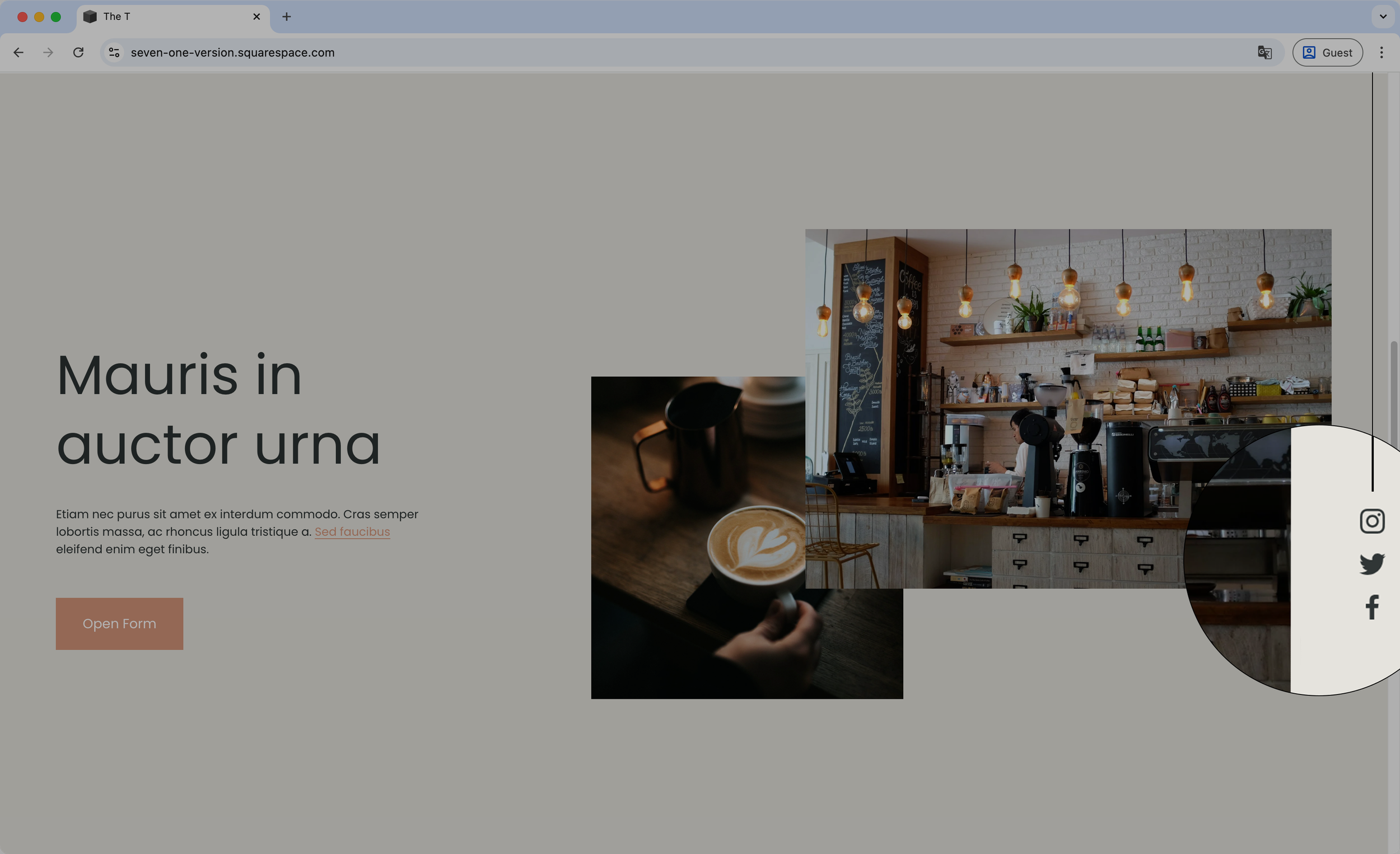
Vertical floating icons with line (7.1) - Social Links Block
Set your Social Links Block as a vertical floating stylish element on your Squarespace site with this copy/paste code snippet. You’ll be able to alter the look of the vertical line, as well as adjust the position of the whole floating element to make it match the look you’re going for.
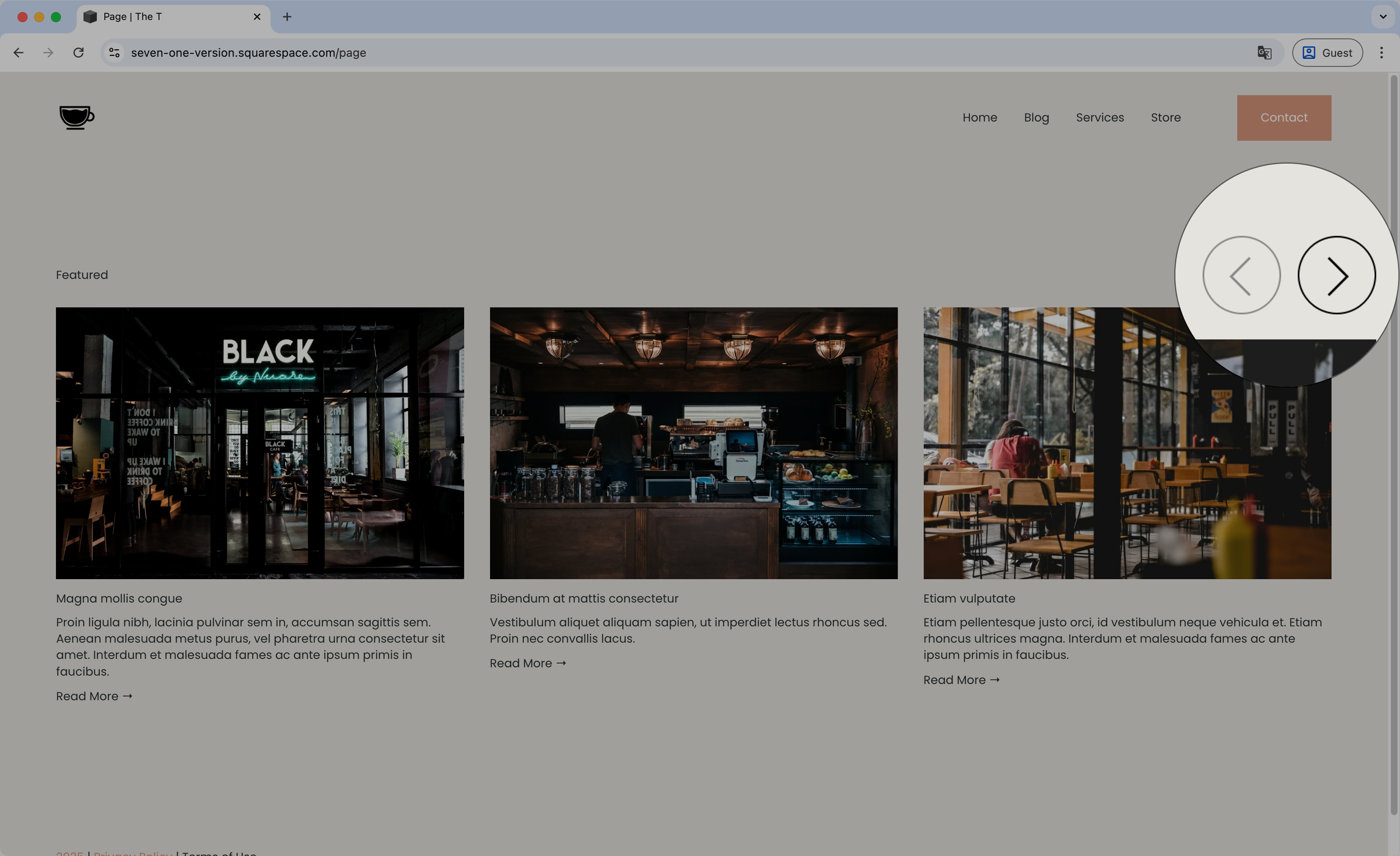
Styling the arrows - Summary Block Carousel
Snag this short snippet to help you style the Summary Block Carousel arrows! You’ll be able to change the background color, set a border, adjust the size, etc by simply copy/pasting the code

Styling the Header font - Summary Block Carousel
With this copy/paste code snippet you’ll be able to set all the font styles you want for the Header text at the top of Carousel Summary Blocks, to ensure everything on your site matches your brand.
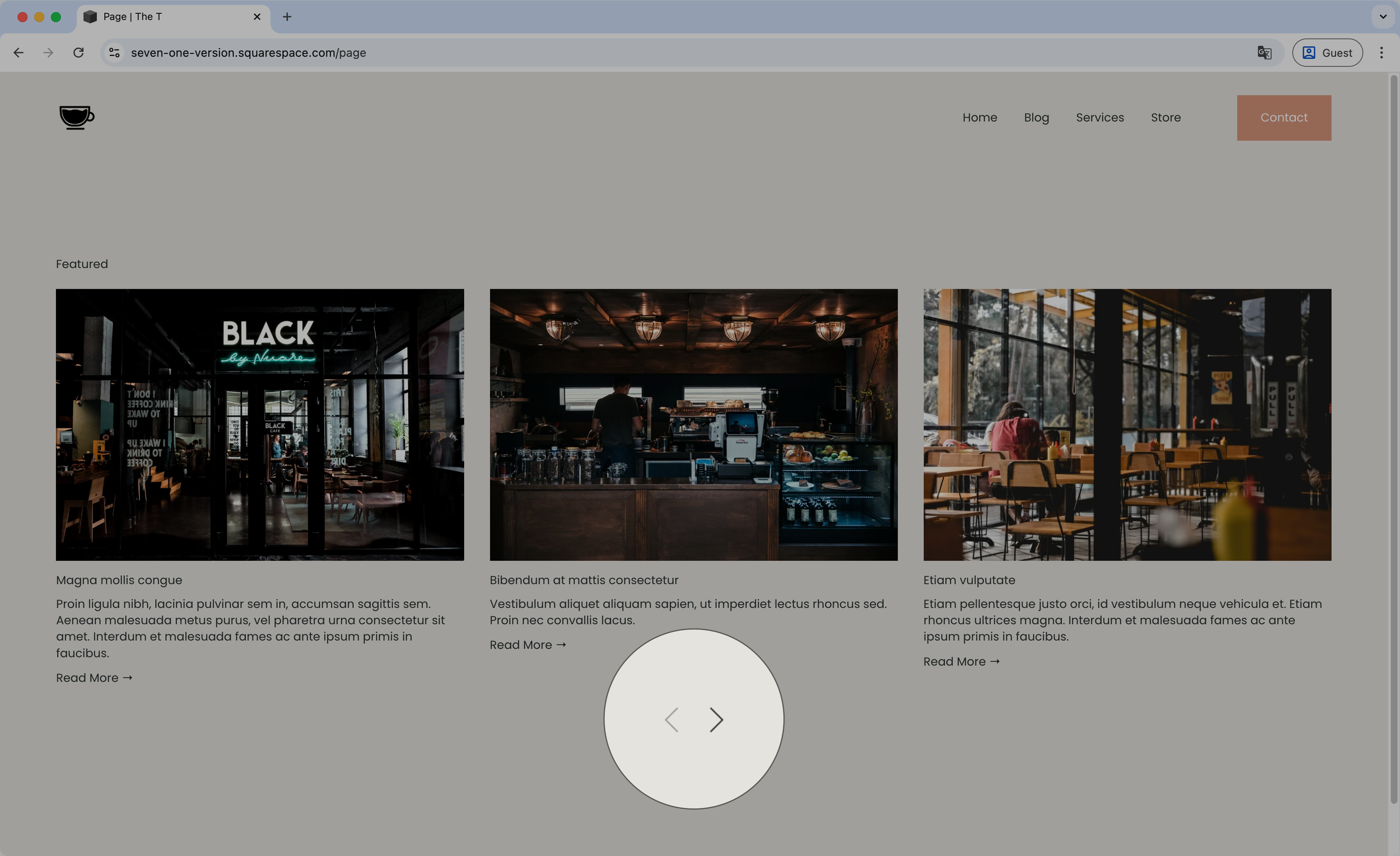
Moving the arrows below the content - Summary Block Carousel
Want to have your Carousel Summary Block arrows under the slides? This code snippet will help you do just that! You’ll be able to determine whether they should align to the center, left or right of the carousel, or even space them out if you rather have each on a different side.