
Blog
Explore fixes, CSS tricks and coding tips, to implement on your Squarespace projects.
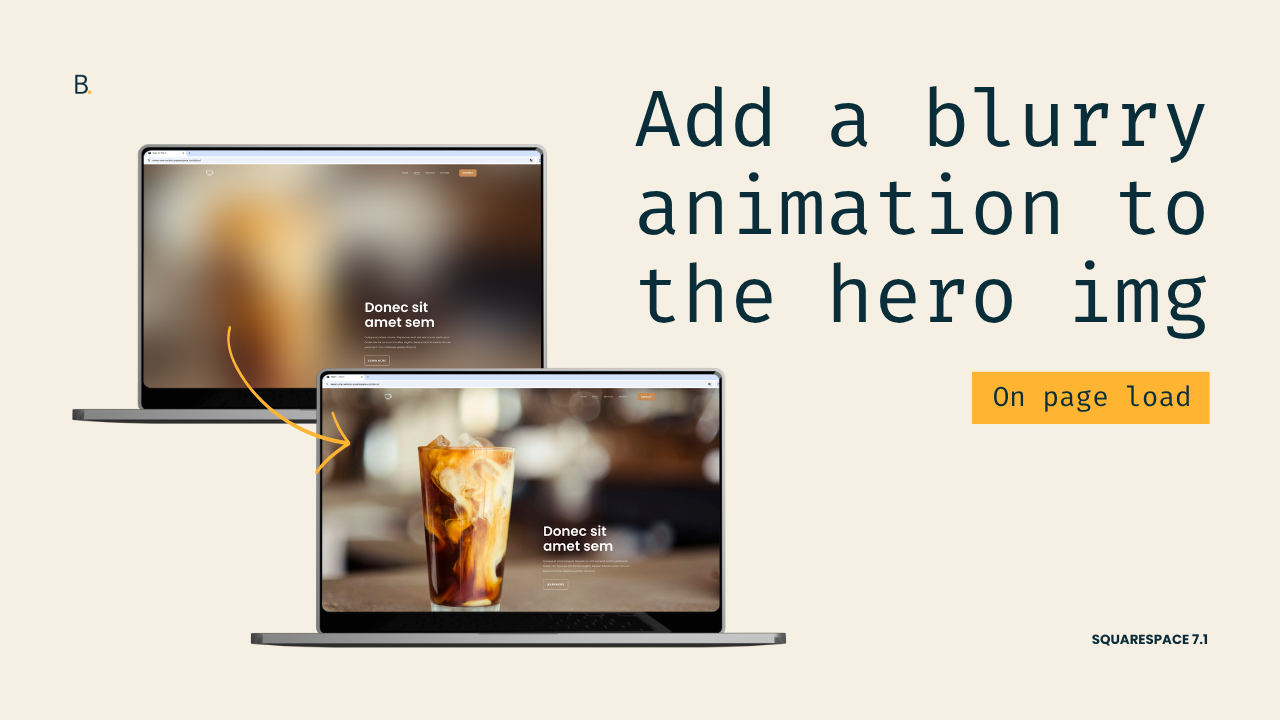
Easy blurry animation for hero sections in Squarespace 7.1
Want to add a quick background hero animation to your Squarespace project? In this tutorial, you'll learn how to create a blur-to-focus image effect using only CSS in Squarespace 7.1. The method shown is just a starting point, so you’ll be able to adapt it to create a bolder or more minimal look!
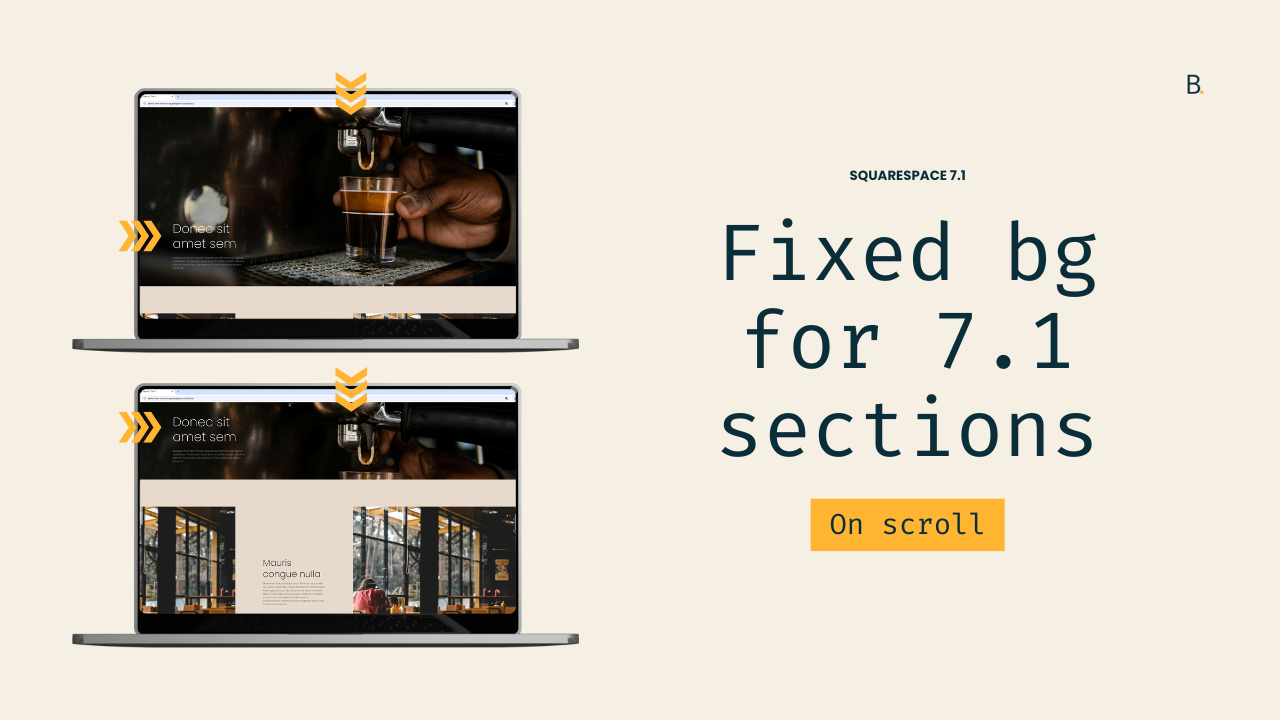
Fixed background image effect for sections in Squarespace 7.1 (aka, Parallax)
Squarespace includes a native parallax option, but if you’ve ever used it, you’ve probably noticed that background images still move, just more slowly than the rest of the content. If what you’re really after is a completely fixed or layered background effect, the native tools won’t quite get you there.
In this tutorial, you’ll learn how to create a true fixed-background parallax effect in Squarespace 7.1 using CSS only. We’ll replace the section’s default image behavior, pin the background in place, and allow the content to scroll smoothly over it.

2 simple ways to create a sticky content navigation
Let’s create that sticky content navigation you’ve been wanting to add to your client’s site, in 2 different ways!

Fixing uneven spacing inside a narrow Squarespace section with one block
In today’s post, we’ll be tackling a quick fix to help you even out the misalignment on those thinner index/page sections, where there’s only one block involved.

How to adjust your page/index section height on mobile
If you like creating really immersive designs for your clients, chances are you love setting your index sections (7.0) or page sections (7.1) to the full height of your screen. The effect looks amazing on desktop but, on smaller screens, that extra space can be a little bit too much…

Adding a fixed background to your Squarespace site
Have you ever seen those gorgeous site examples where everything seems to just float on top of the background image while scrolling? Well, if you’ve been inspired by them at some point and would like to implement the look in your client’s design, today’s tutorial is for you!