
Tutorials
Find a new fix, CSS trick, workflow tip, or resource recommendation for your Squarespace client projects.
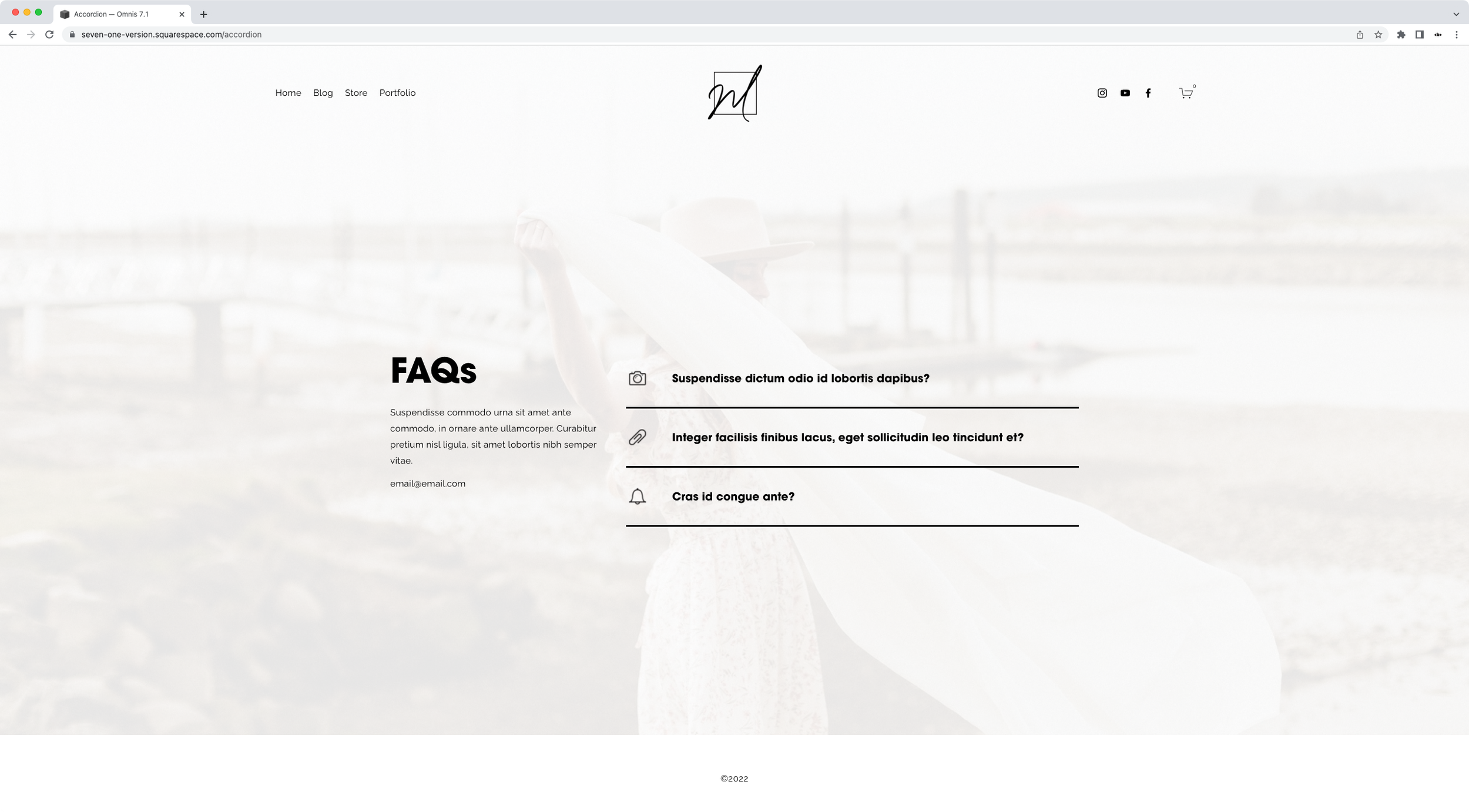
Adding custom icons to the Accordion Block in Squarespace
In today's tutorial, we'll be looking at how to change the arrow or plus sign inside the accordion block for a custom icon. We'll tackle how to use the same image for ALL accordion items, and how to use a DIFFERENT icon for each individual dropdown!

Changing the number of slides per row for Squarespace Auto Layouts on smaller screens (7.1)
Let’s take a look at how we can control the number of items displayed on mobile when working with the Auto Layout List in Squarespace 7.1!

How to create responsive text, WITHOUT media queries, in Squarespace
In today's video, we'll be tackling how to handle responsive text in Squarespace with ONE line of code and no media queries. Take a look!

How to create custom shapes for images in Squarespace
Want to know how to create custom shapes for images in Squarespace? Then today’s tutorial is for you! Take a look.

How to create a hover mode for anything in Squarespace
In this week's video, we'll be looking at the steps behind creating a hover mode for anything you want in Squarespace. Sounds good? Then let’s jump right into it!

Add custom bullet points to text blocks and image blocks in Squarespace
Want to create branded bullet points for your client’s site? Then take a look at this tutorial to learn how you can make that happen, only with CSS, for both text blocks and image blocks!

Easily create a multilingual site in Squarespace
Want to add a free translation widget to your Squarespace site? Then take a look at how you can easily set that up and style it with this simple CSS trick.
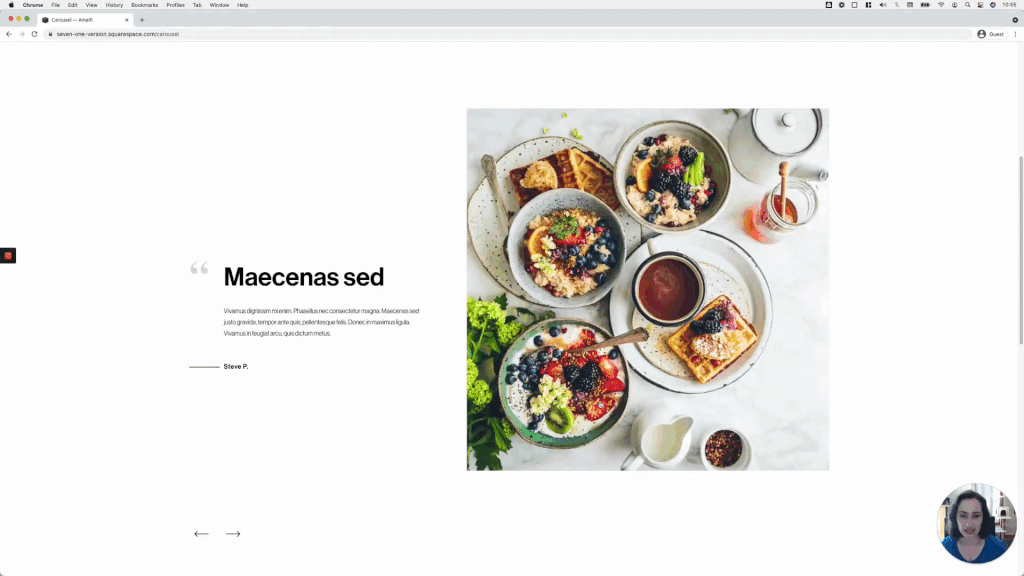
Minimal testimonial carousel using an Auto Layout in Squarespace (7.1)
This week we’re back with another Squaresapce Auto Layout customization! We’ll be looking at how to achieve a lovely minimal look for a testimonial carousel, with just the right amount of CSS. Check it out!

Creating a bold side-by-side slideshow in Squarespace, using auto layouts (7.1)
Squarespace’s auto layouts are really growing on me, so today I thought I’d share with you a cool customization I came up with the other day, using the Slideshow option. Take a look!

One-way sliding underline on hover for button blocks
We haven’t really covered a lot of button customizations on the blog, so I thought I’d share one with you today! The final effect makes it seem like the underline loops around the button, so it’s a pretty cool effect. The code isn’t too complicated AND is flexible enough to allow you to target one particular button size or all at the same time. So, let’s get started!

5 tips to troubleshoot your Squarespace code
In today’s video, I want to share with you 5 different things you can look for when the code you added to your client’s Squarespace site isn’t working. These troubleshooting tips cover a vast majority of the issues you’ll encounter when using code in Squarespace or any other platform, so let’s jump right in!

2 simple ways to create a sticky content navigation
Let’s create that sticky content navigation you’ve been wanting to add to your client’s site, in 2 different ways!

4 tips to improve your Squarespace customization workflow
This week we’ll look at 4 ways we can improve our customization workflow in Squarespace to save time, and make our code a lot easier to tweak when rounds of revisions come along!

Fixing uneven spacing inside a narrow Squarespace section with one block
In today’s post, we’ll be tackling a quick fix to help you even out the misalignment on those thinner index/page sections, where there’s only one block involved.

Why is there extra spacing around headings on my live Squarespace site?
Want to find out how to remove that odd spacing that shows up on some Squarespace headings, only on live mode? Then take a look at today’s CSS trick!

Changing the placeholder text color of form and newsletter blocks
A few members inside the Club recently asked about how the placeholder text color of form and newsletter blocks could be altered via CSS so, in case you’ve been wondering the same thing, today I wanted to share with you how to achieve that for your own client projects!

Labeling products on a shop page in Squarespace
Have you ever wanted to highlight products on a shop page to visually indicate which are new, vegan, on-demand, or up for pre-order, etc? If so, then today’s tutorial is for you!

How to adjust your page/index section height on mobile
If you like creating really immersive designs for your clients, chances are you love setting your index sections (7.0) or page sections (7.1) to the full height of your screen. The effect looks amazing on desktop but, on smaller screens, that extra space can be a little bit too much…

Create quick jumps or anchor links in Squarespace
Today's code trick is all about how to create quick jumps (aka anchor links or anchor points) in Squarespace 7.0 and 7.1, using index pages or regular pages. AND how to stop your fixed navigation from getting in the way…

Why your Google Font isn't showing up in your Squarespace site on mobile
Today we’re taking a closer look at the reasons why your Google Font may not be showing up on your Squarespace site on mobile, and what you can do to fix it!