
The
Snippet Directory
A small coding toolkit to help speed up your custom Squarespace builds when issues come up, or creativity runs out.
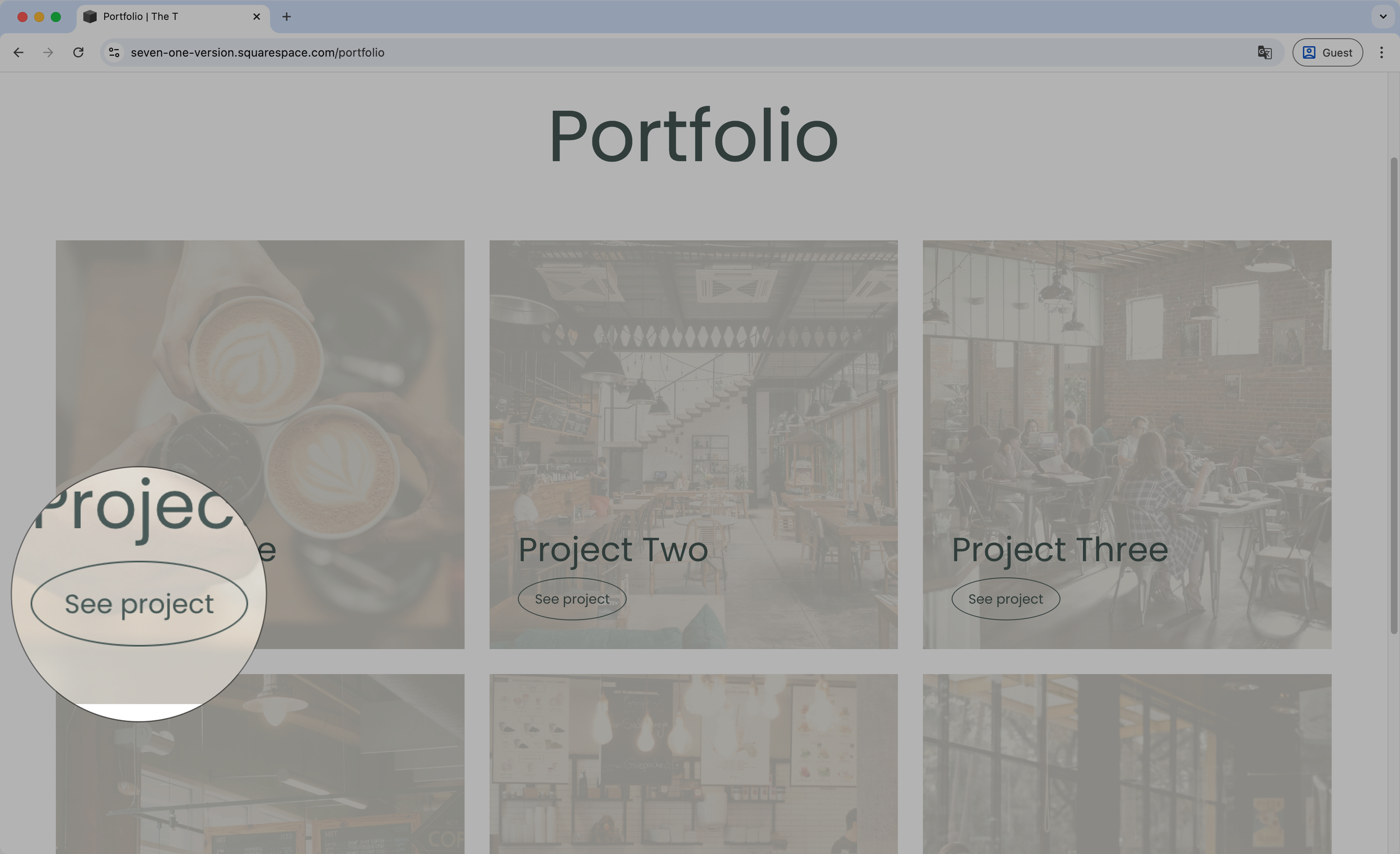
Portfolio item custom button - Portfolio Page (7.1)
Add a button to your Portfolio Page items with this quick code snippet. You’ll be able to set your custom text and modify the type of button style that shows up, to make it match the rest of your design, in just a few minutes.
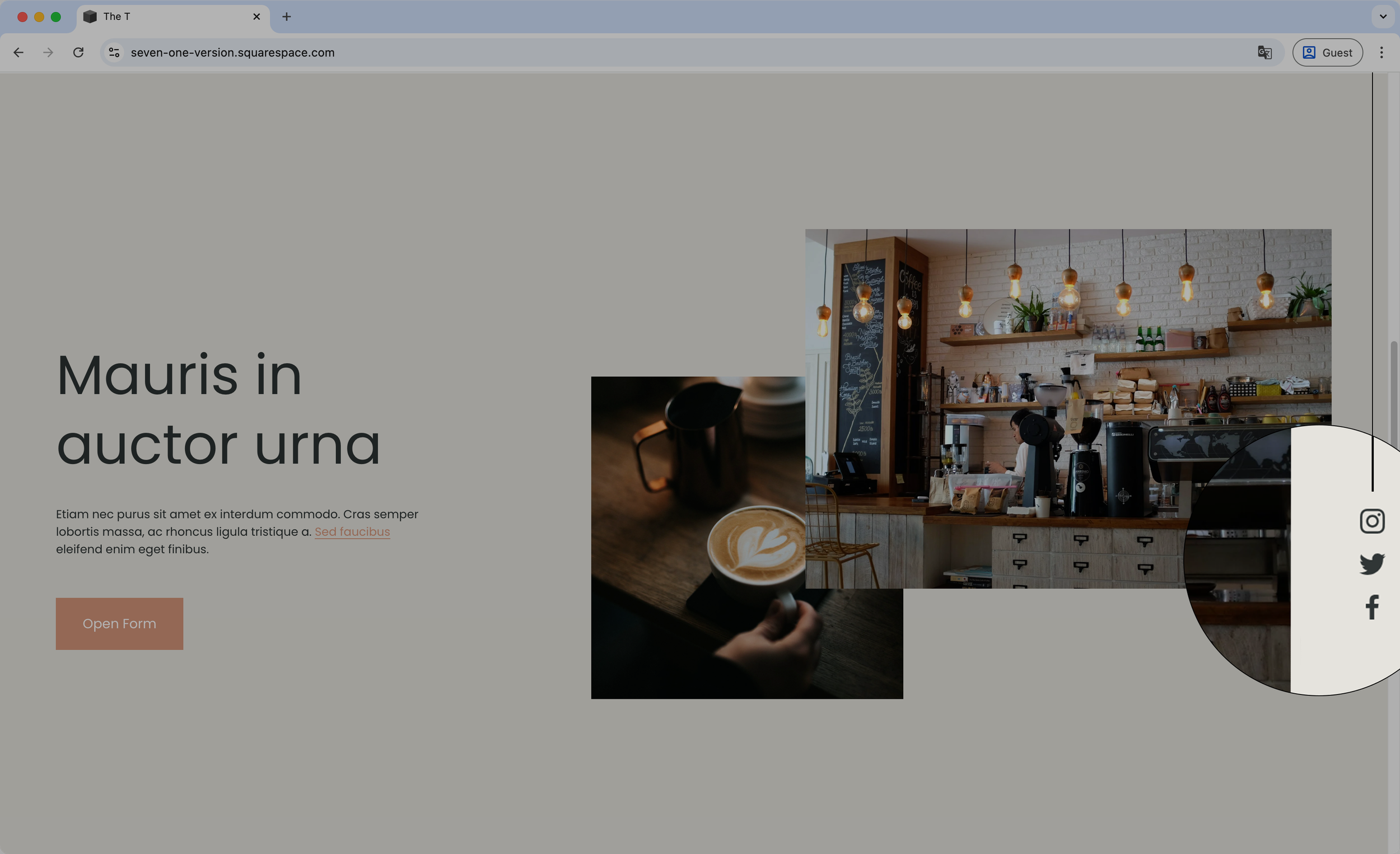
Vertical floating icons with line (7.1) - Social Links Block
Set your Social Links Block as a vertical floating stylish element on your Squarespace site with this copy/paste code snippet. You’ll be able to alter the look of the vertical line, as well as adjust the position of the whole floating element to make it match the look you’re going for.
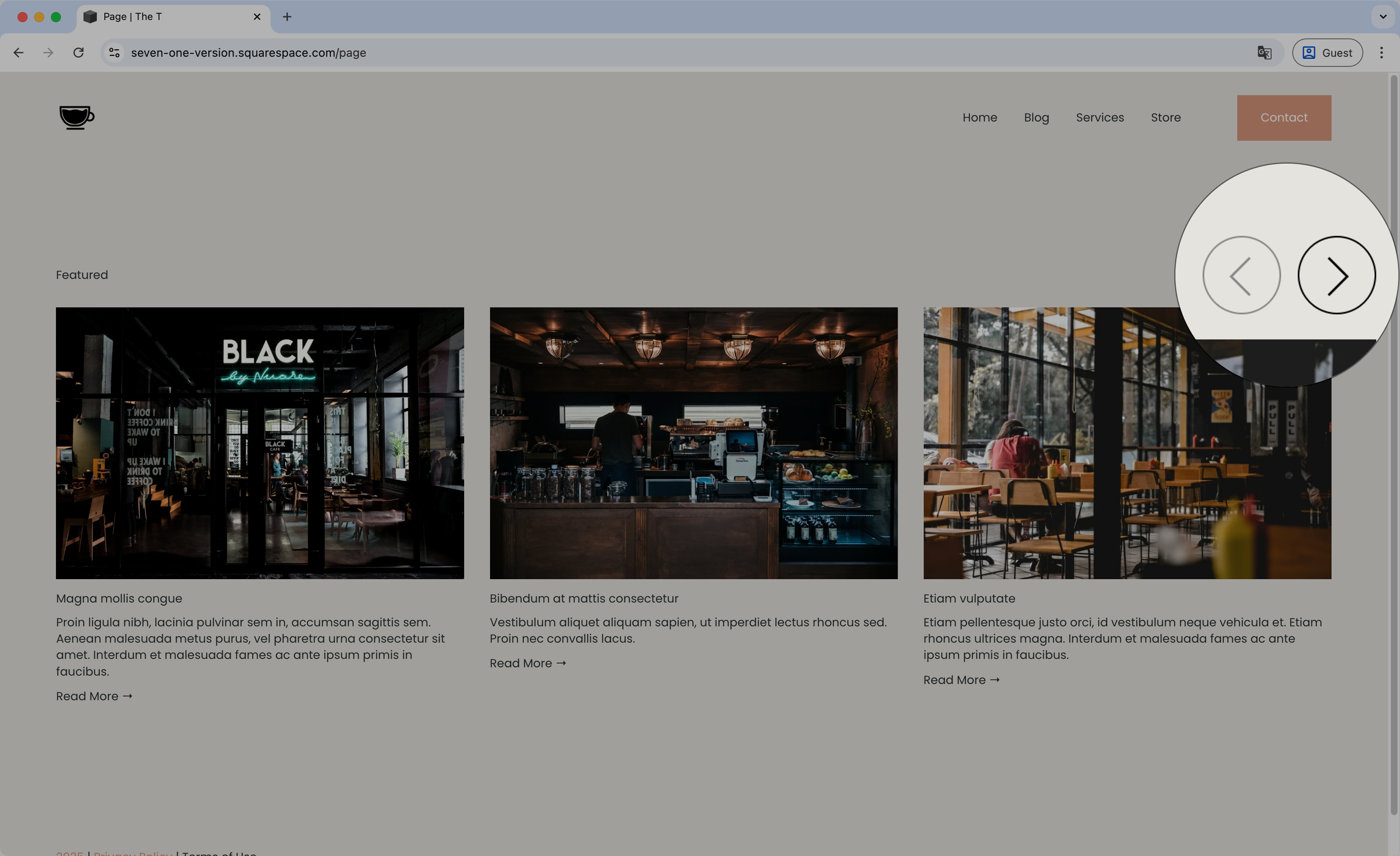
Styling the arrows - Summary Block Carousel
Snag this short snippet to help you style the Summary Block Carousel arrows! You’ll be able to change the background color, set a border, adjust the size, etc by simply copy/pasting the code
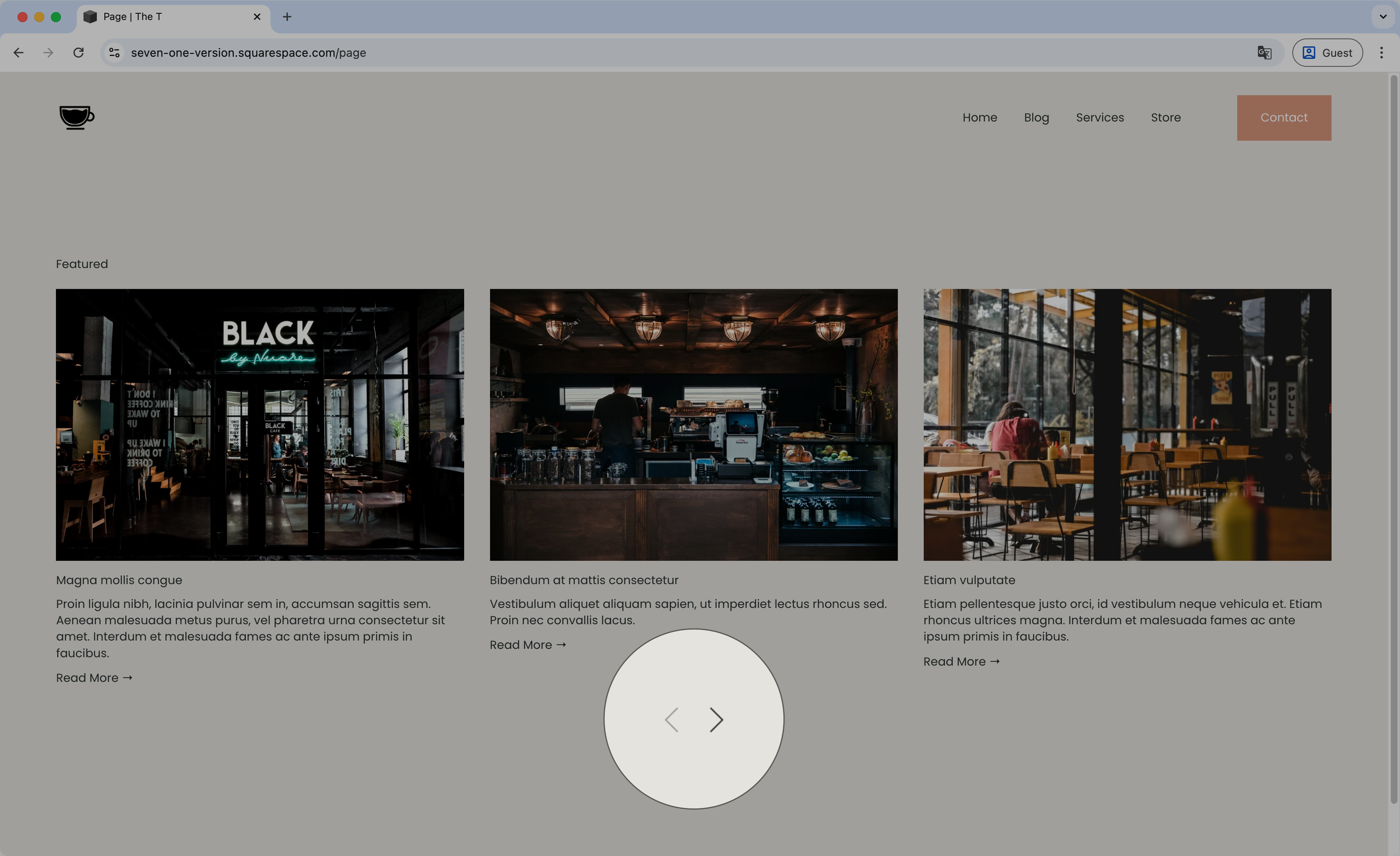
Moving the arrows below the content - Summary Block Carousel
Want to have your Carousel Summary Block arrows under the slides? This code snippet will help you do just that! You’ll be able to determine whether they should align to the center, left or right of the carousel, or even space them out if you rather have each on a different side.

Placing the arrows on each side - Summary Block Carousel
Reposition the arrows of your Carousel Summary Block with this short code snippet. With a quick copy/paste you’ll be able to instantly place them to the sides of the slides and determine how far away from the items they should sit.