
Blog
Explore fixes, CSS tricks and coding tips, to implement on your Squarespace projects.
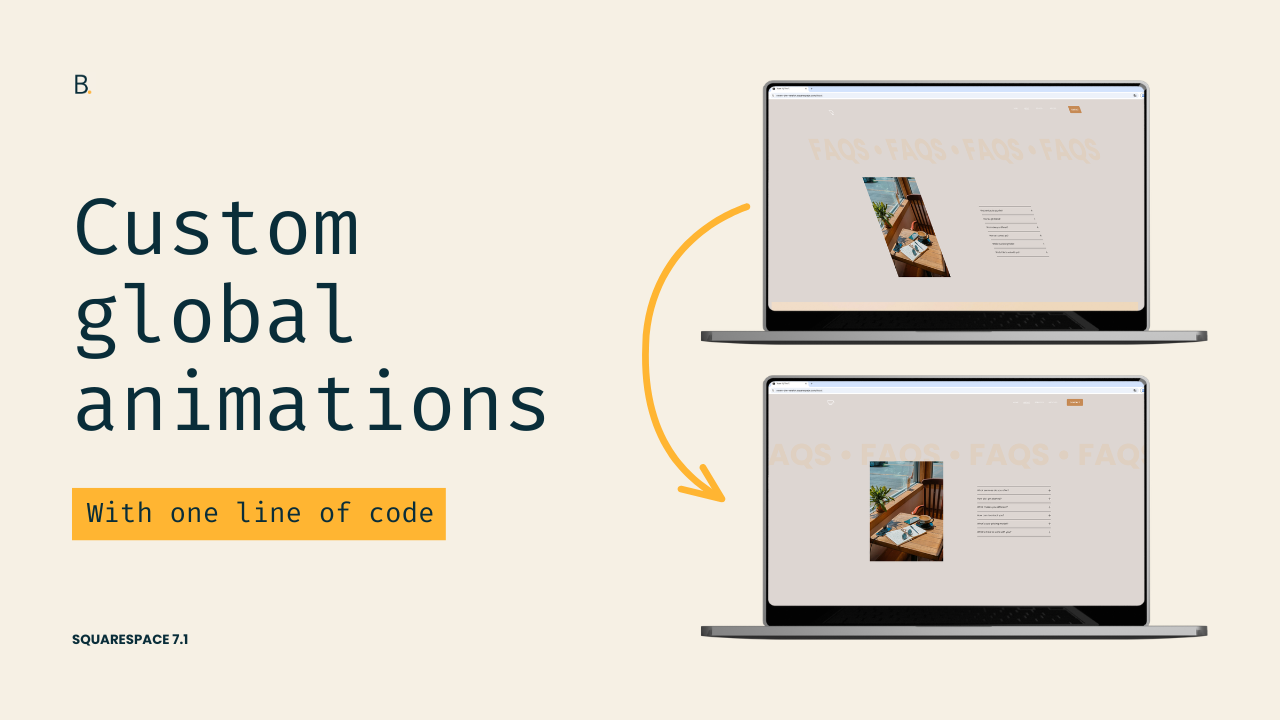
Create a custom global animation in Squarespace 7.1
Want more control over Squarespace's built-in animations? In this tutorial, you'll learn how to create your own custom global animation effects in Squarespace 7.1 by modifying ONE line of code of the initial animation state.
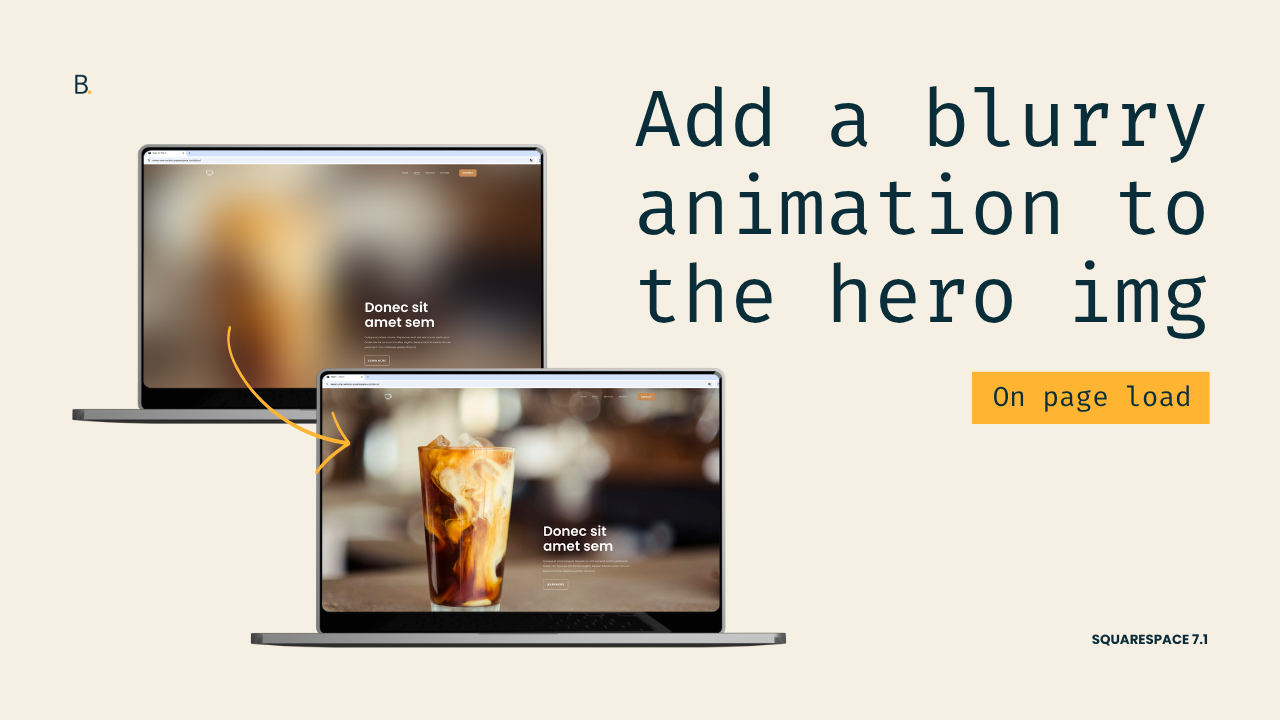
Easy blurry animation for hero sections in Squarespace 7.1
Want to add a quick background hero animation to your Squarespace project? In this tutorial, you'll learn how to create a blur-to-focus image effect using only CSS in Squarespace 7.1. The method shown is just a starting point, so you’ll be able to adapt it to create a bolder or more minimal look!
Why Your Content Gets Cut Off on Tablets When No Custom Code is Involved (7.1)
If content in your Squarespace 7.1 sections is getting cut off on tablet devices, the problem may not be caused by custom code at all. In this tutorial, you'll learn why it happens and how to fix it in seconds without writing a single line of CSS.
Why your code only works in the backend and not on the Live site
Is your custom CSS working perfectly in Squarespace’s backend but completely broken on the live site? This frustrating issue is often caused by hidden syntax errors that don’t appear in the editor. In this tutorial, you’ll learn an easy way to locate and fix this particular problem in 5 mins.
A CSS trick to stop loading glitches in Squarespace 7.1
Struggling with flickering, layout shifts, or “jumpy” loading behavior in Squarespace 7.1? These issues can happen even on simple sites and are often caused by elements like video backgrounds, section dividers, or heavy imagery. In this video, you’ll learn a clean CSS-based solution that delays content display just enough to eliminate visual glitches, without relying on loading screens or bulky animations.
(Part 3) Force code to work ONLY during Edit Mode, not the Live Site in 7.1
In Part 3 of this Squarespace 7.1 tutorial series, we’ll look at how to apply custom CSS so that it runs only in Edit Mode and not on the Live site. By targeting the .sqs-edit-mode class, you can create backend-only styling that helps with troubleshooting, or temporarily highlighting hidden elements, without affecting the Live site.
(Part 2) Stop code from working in the backend of a Squarespace 7.1 site
Learn how to stop custom CSS from working in the backend of Squarespace 7.1 while keeping it active on the Live Site. In this tutorial you’ll learn how to use .sqs-edit-mode and the :not() pseudo-class to control when your code applies. Let’s do it!
(Part 1) Disable code automatically while editing a Squarespace 7.1 site
Learn how to apply custom code only while in Edit Mode or only on the Live Site in Squarespace 7.1. This tutorial will show you how to use .sqs-edit-mode, .sqs-edit-mode-active, and the :not() pseudo-class to control when your CSS runs and when it shouldn’t. Get started with the first part!
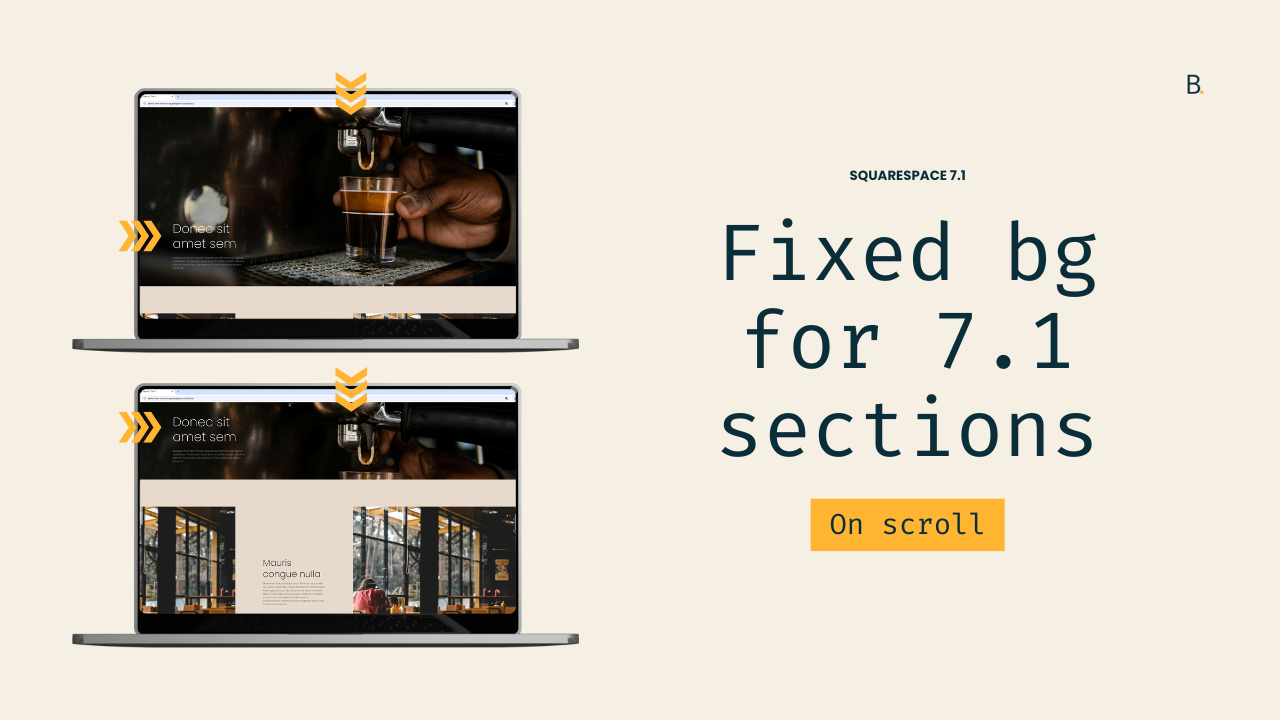
Fixed background image effect for sections in Squarespace 7.1 (aka, Parallax)
Squarespace includes a native parallax option, but if you’ve ever used it, you’ve probably noticed that background images still move, just more slowly than the rest of the content. If what you’re really after is a completely fixed or layered background effect, the native tools won’t quite get you there.
In this tutorial, you’ll learn how to create a true fixed-background parallax effect in Squarespace 7.1 using CSS only. We’ll replace the section’s default image behavior, pin the background in place, and allow the content to scroll smoothly over it.

Easy custom cursor for specific elements or sections in Squarespace
Learn how to add a custom cursor to Squarespace, but display it only where you want it to show.
This tutorial walks you through how to target specific elements or sections using just three lines of CSS, so you can implement a quick interactive modification to client sites in a few minutes.

Highlights: The Website Designer Summit 2025
If you’re a Squarespace designer, you may have heard about the second edition of Liz Ellery’s Website Designer Summit that just took place yesterday, February 27, 2025. Aaand if you’re a VIP of my email list, you most certainly did! However, if you did not get a chance to catch it – nor have watched the replays – I want to share with you the truth-bombs, golden nuggets and overall amazing insights the speakers casually dropped in their presentations and talks.

Creating a scrolling text header button in Squarespace (7.1)
Want to make the header button of your Squarespace project unmissable? Then why not turn it into a mini scrolling marquee with today's CSS trick! Let's get to it.

Creating an animated loading screen for Squarespace
Let’s tackle how to build a loading screen or splash page for Squarespace sites that’s totally animated!
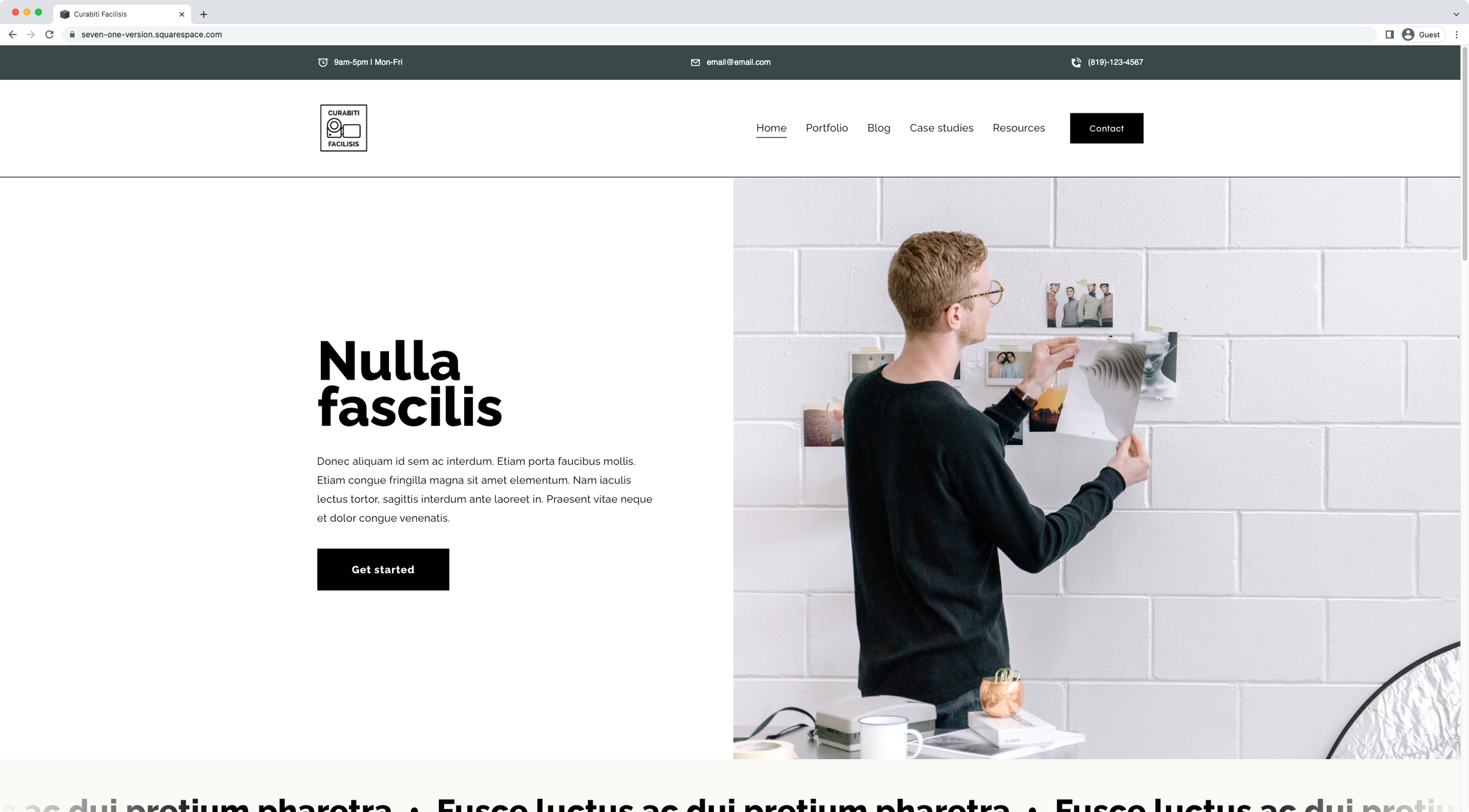
How to create a business info bar above the header in Squarespace
In today’s tutorial, we’ll be creating a business info bar that carries the hours, email and phone number of a hypothetical company with the help of HTML and our friend, CSS.

Changing the accordion block icon when a dropdown is open
If you want to add a little fun customization to your client’s accordion block, then this tutorial is for you! We'll be looking at how to use two custom icons for the accordion block items in Squarespace: one when the dropdowns are open and a different one when they are closed. Spoiler alert: the customization is easier than you think!

How to create responsive text, WITHOUT media queries, in Squarespace
In today's video, we'll be tackling how to handle responsive text in Squarespace with ONE line of code and no media queries. Take a look!

How to create a hover mode for anything in Squarespace
In this week's video, we'll be looking at the steps behind creating a hover mode for anything you want in Squarespace. Sounds good? Then let’s jump right into it!

5 tips to troubleshoot your Squarespace code
In today’s video, I want to share with you 5 different things you can look for when the code you added to your client’s Squarespace site isn’t working. These troubleshooting tips cover a vast majority of the issues you’ll encounter when using code in Squarespace or any other platform, so let’s jump right in!

4 tips to improve your Squarespace customization workflow
This week we’ll look at 4 ways we can improve our customization workflow in Squarespace to save time, and make our code a lot easier to tweak when rounds of revisions come along!

Why is there extra spacing around headings on my live Squarespace site?
Want to find out how to remove that odd spacing that shows up on some Squarespace headings, only on live mode? Then take a look at today’s CSS trick!